



Buying guide
Choosing your first 3D printer
FDM or resin, open or enclosed, one colour or many: how to pick a first printer that suits what you actually want to make.
The problem
3D printers have become far easier to use, but the range of choices can still make a first purchase feel like a gamble. The right printer depends less on headline specifications and more on what you want to make, where it will live, and how much tinkering you're happy to do.
Key considerations
Start with what you want to make. Practical parts, storage solutions, toys and prototypes suit an FDM printer. Highly detailed miniatures and small figures suit a resin printer. If you're not sure, FDM is the more forgiving place to start.
Size the build area to your projects. A larger build volume lets you print bigger pieces in one go, but the printer takes more desk space and costs more. Most home projects fit comfortably on a standard-size printer; choose a large-format model like the Kobra 3 Max or S1 Max when you already know you'll print large items.
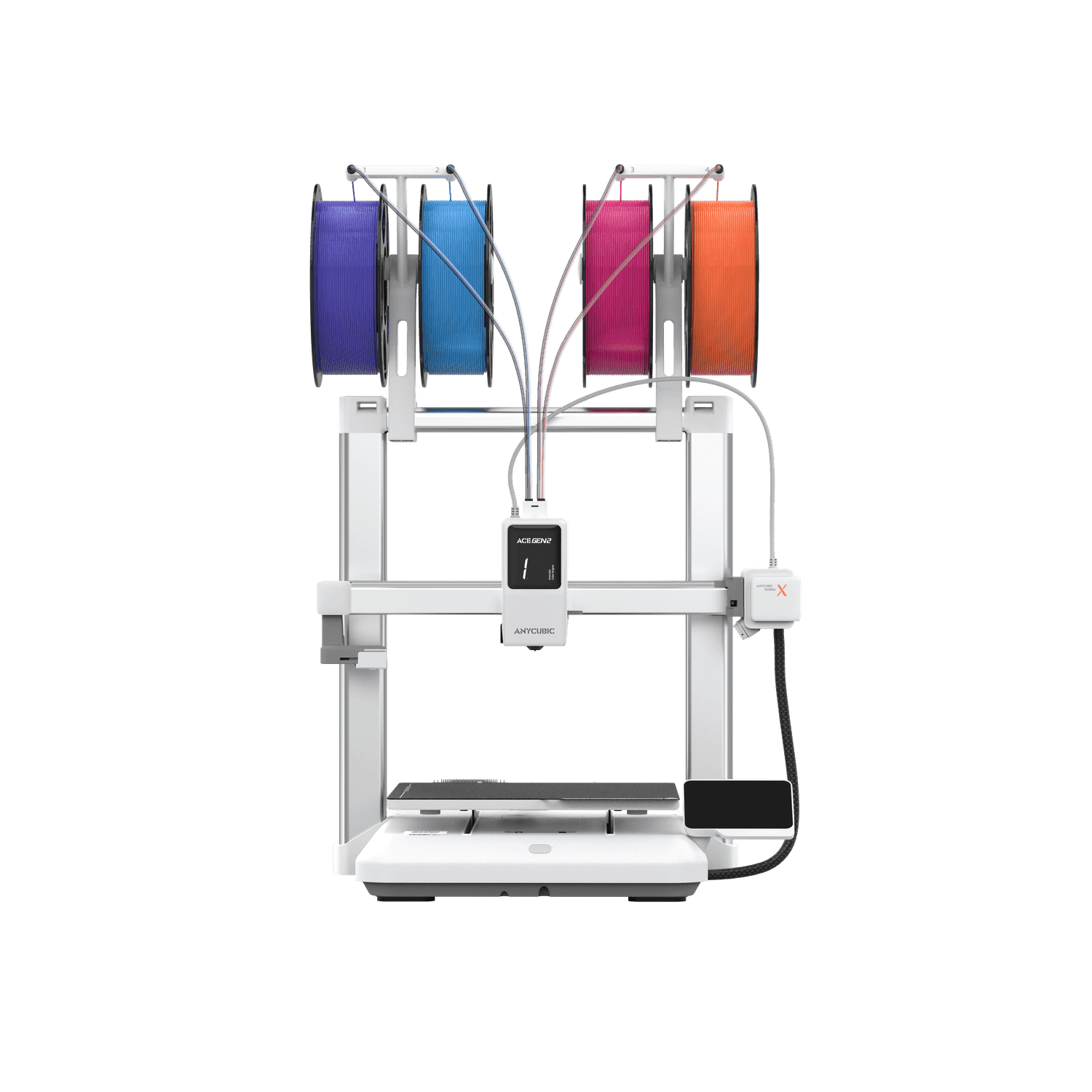
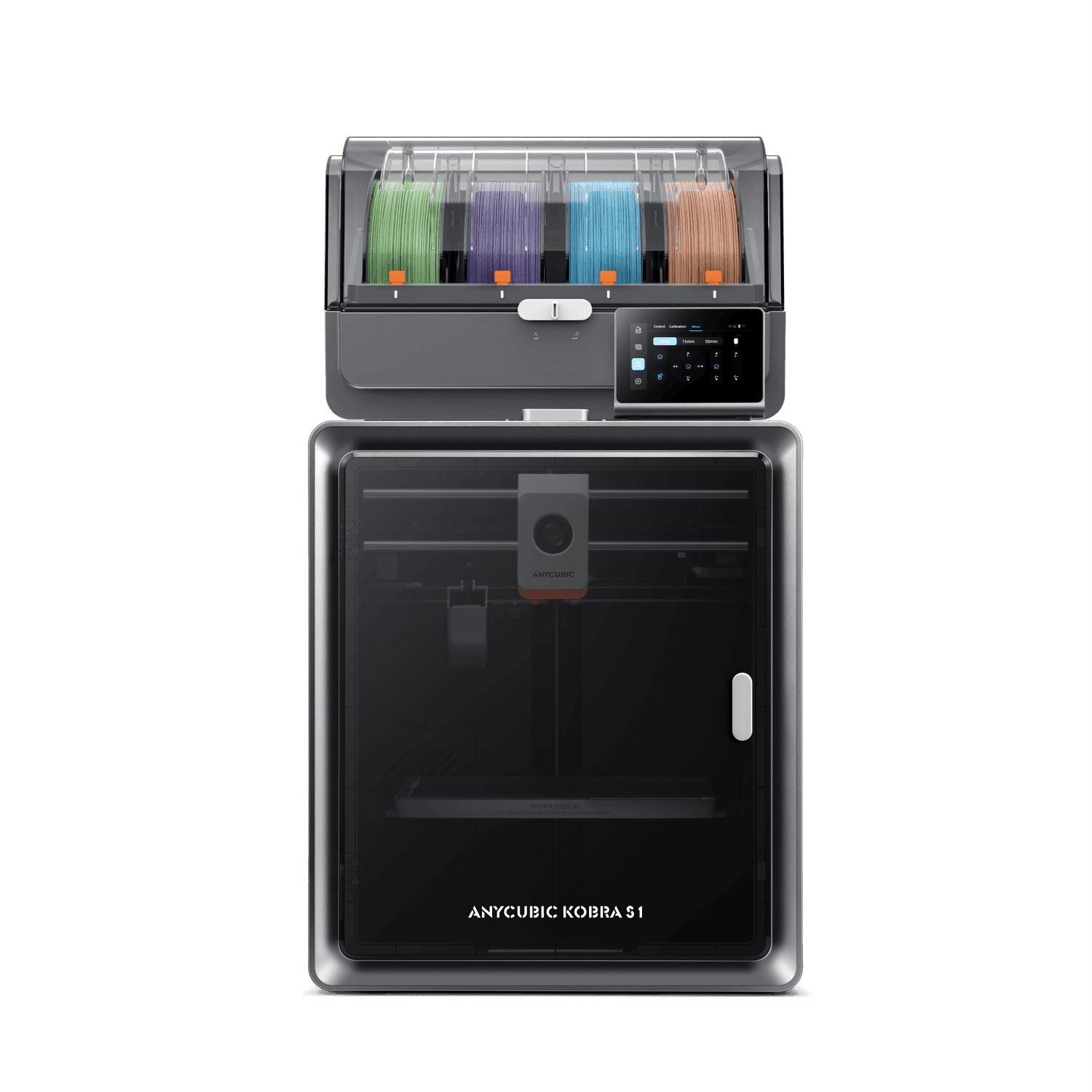
Decide whether multicolour matters. Multicolour systems such as Anycubic's ACE units feed several filaments automatically, so you can print in up to four colours without swapping spools by hand. They add cost and a little complexity — worth it if colour is part of what you want to make.
Plan for space and ventilation. Give the printer a stable surface away from draughts. Resin printers also need good ventilation and somewhere to wash and cure prints.
Expect a learning curve. Even easy printers need bed levelling checks, occasional nozzle cleaning and some trial and error with settings. We're happy to help you get your first prints right.
Recommended products
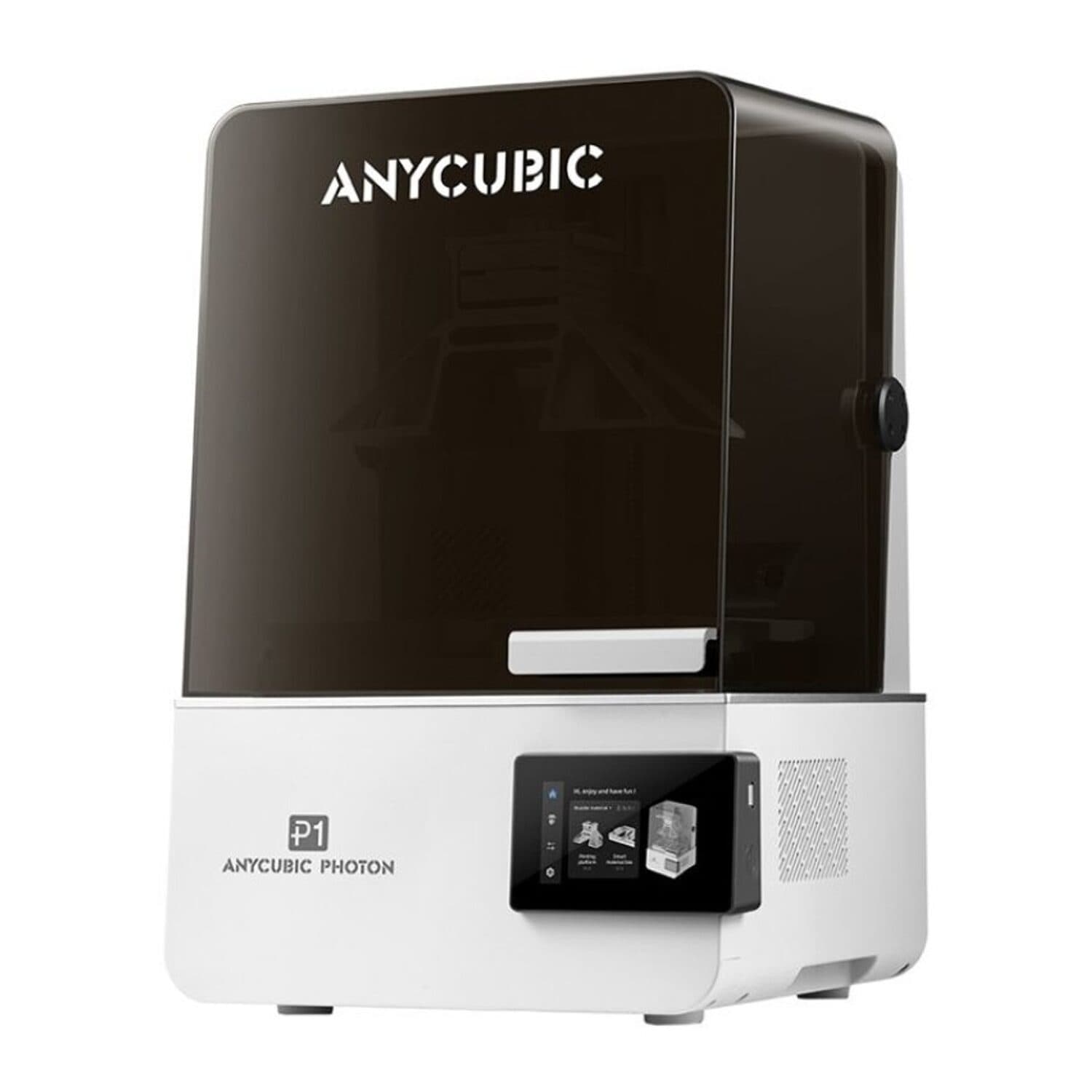
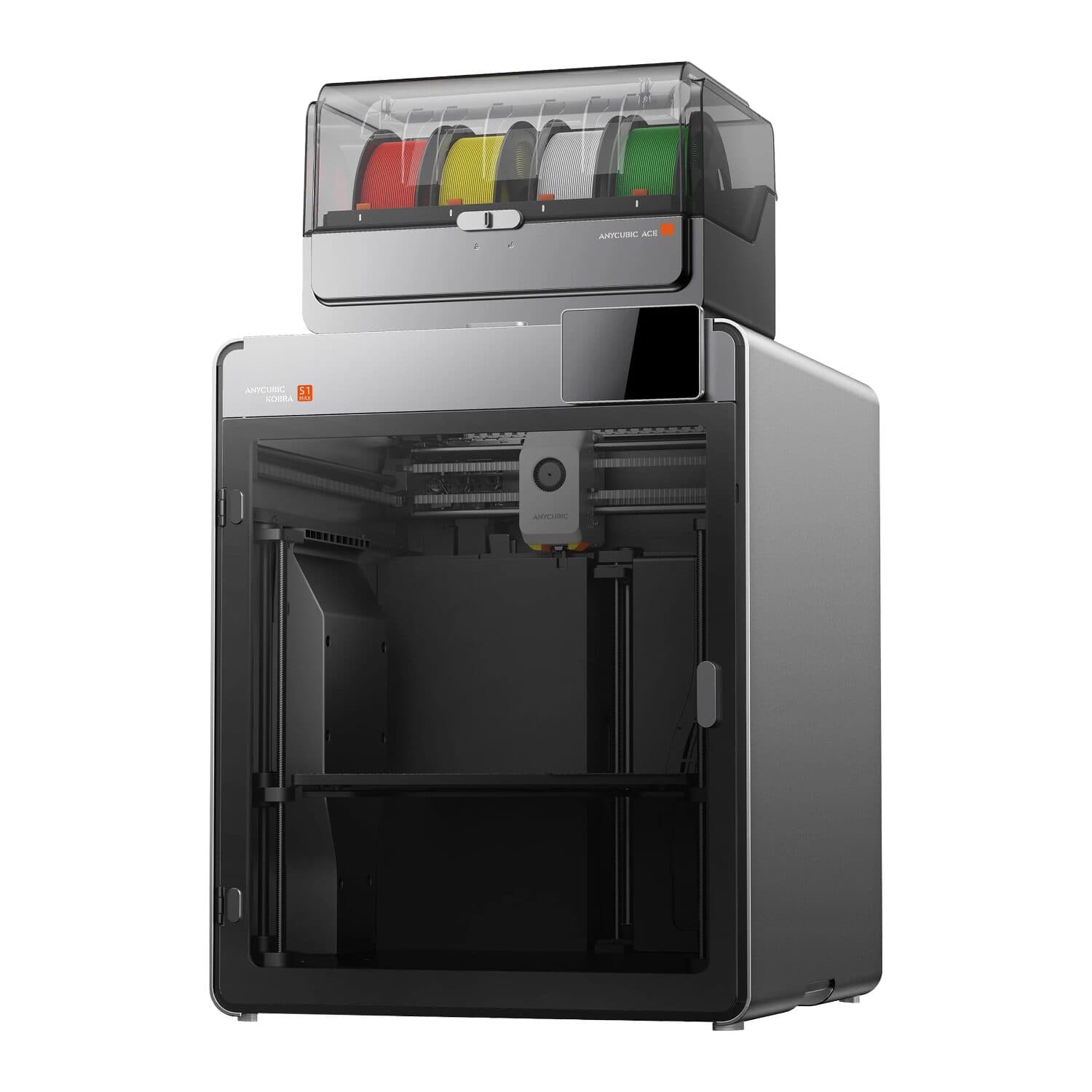
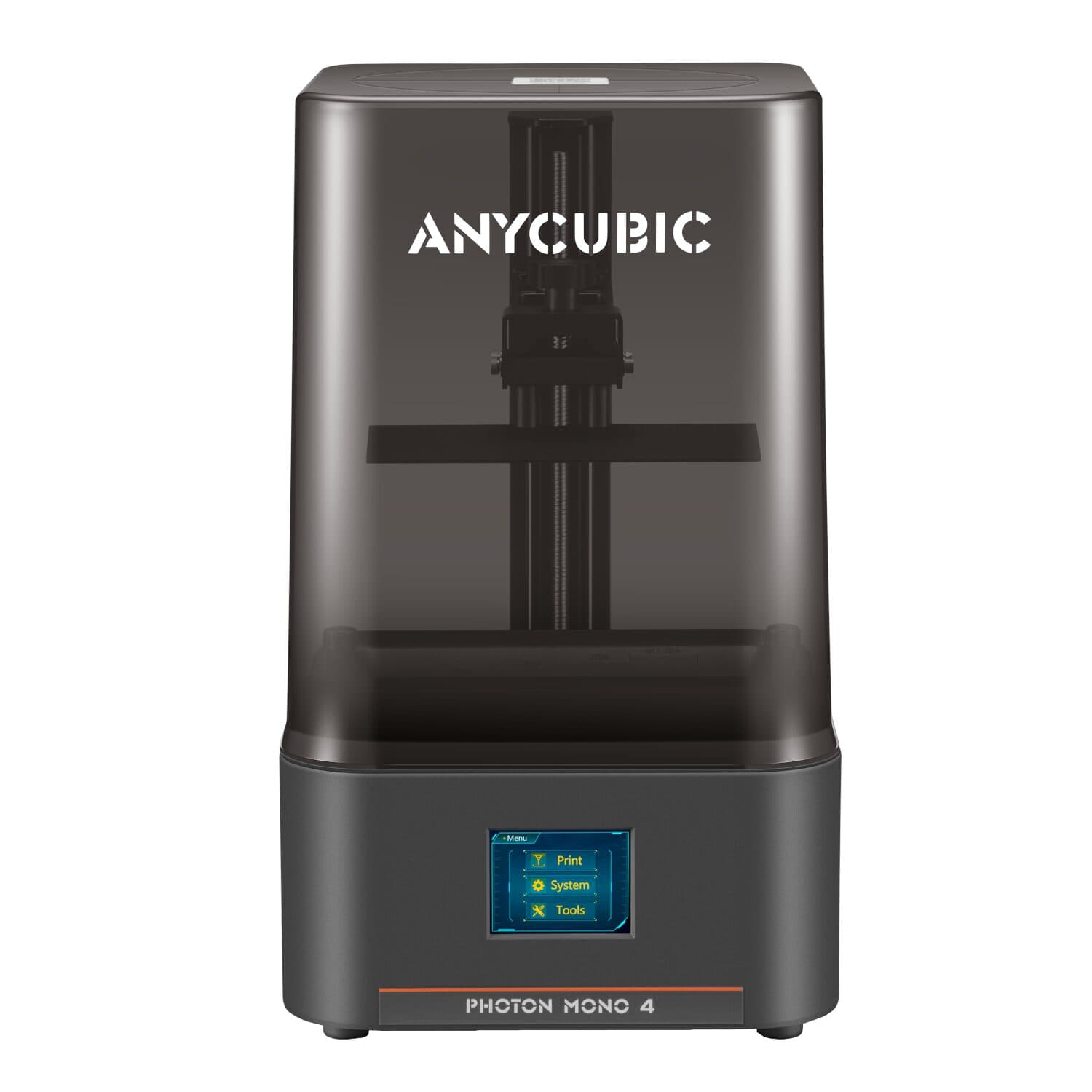
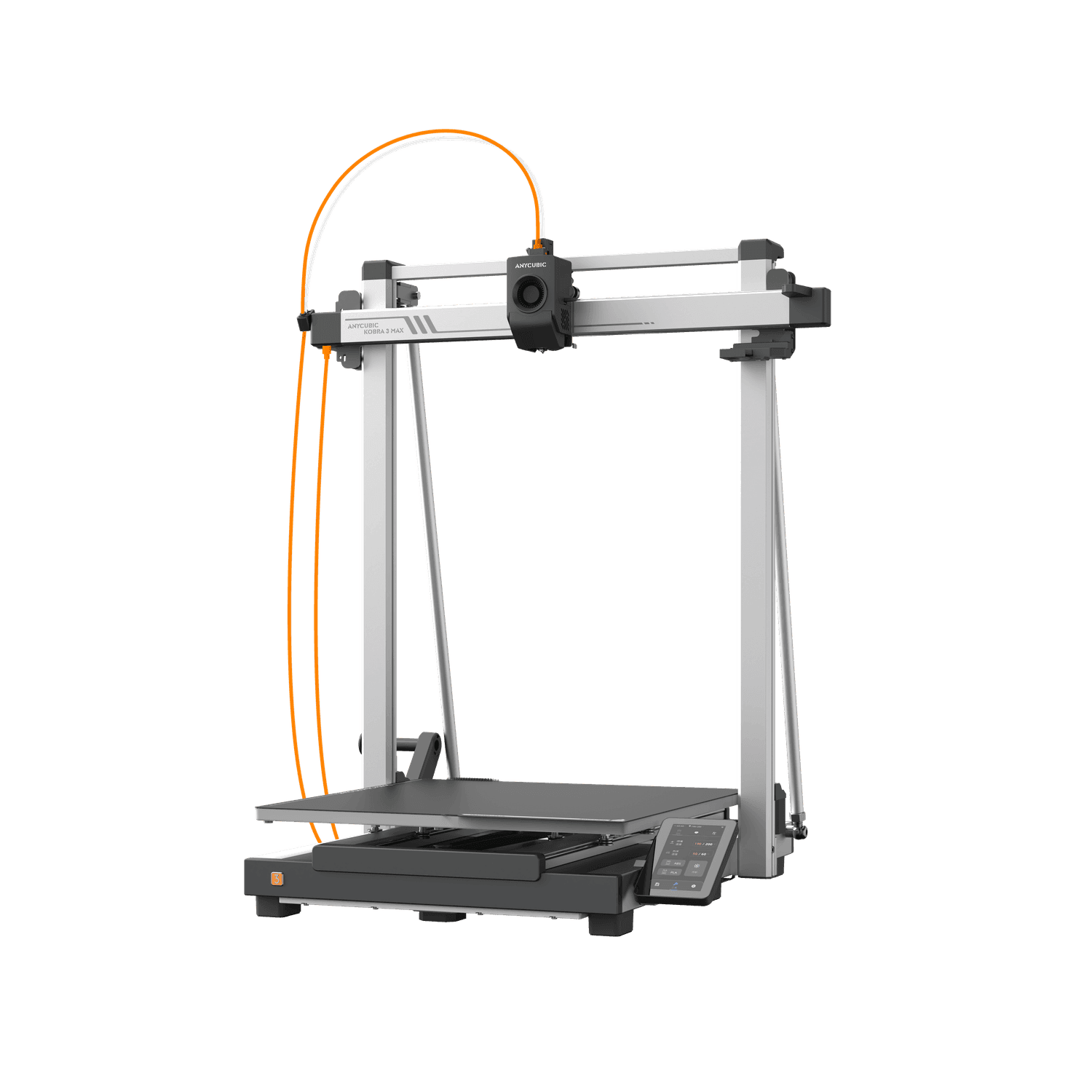
Which is right for you
| Product | Warranty |
|---|---|
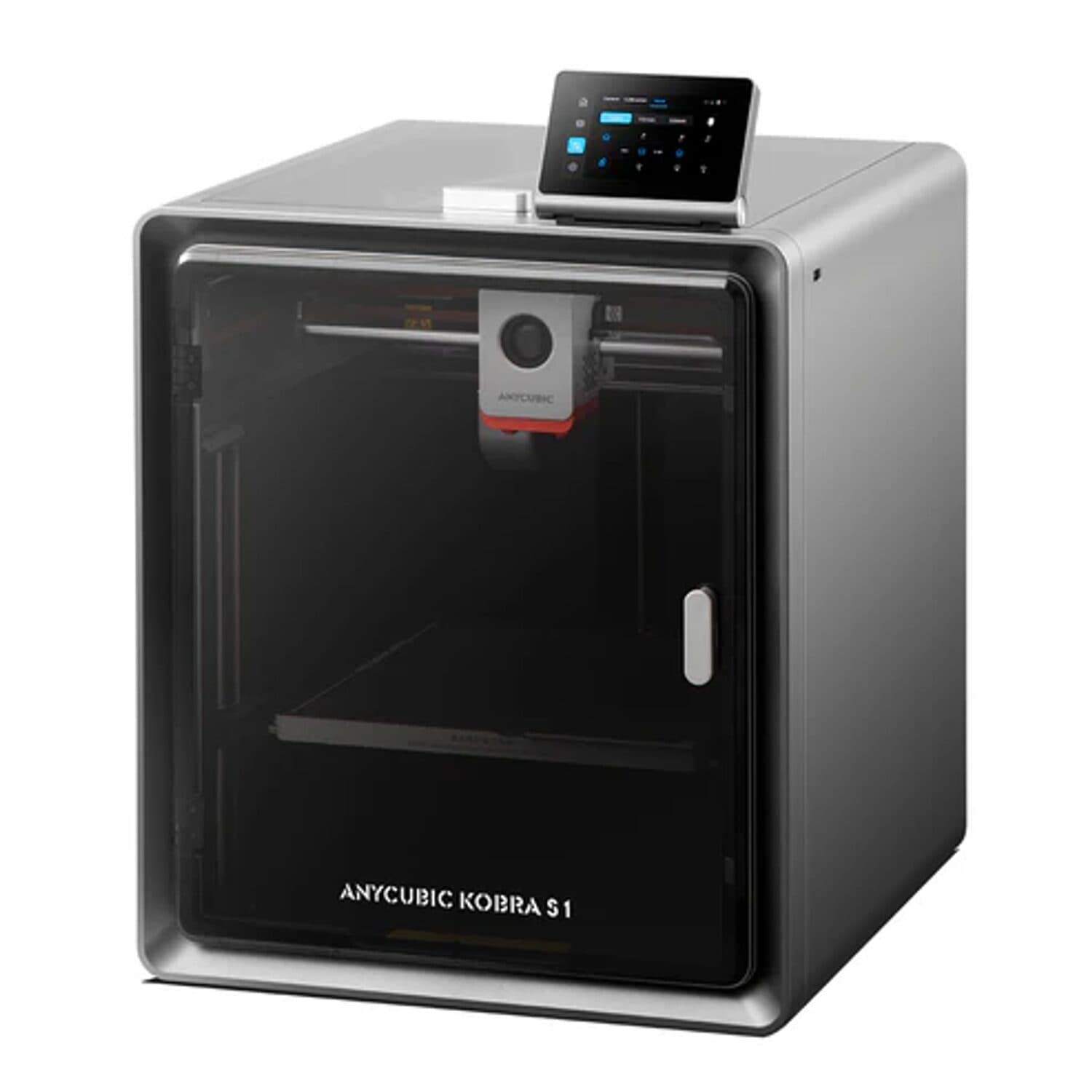
| Anycubic Kobra S1 Enclosed 3D Printer | 1 Year supplier warranty, handled through Syntech |
| Anycubic Kobra X Multicolour 3D Printer | 1 Year supplier warranty, handled through Syntech |
| Anycubic Kobra S1 + ACE 2 Pro Multicolour Combo | 1 Year supplier warranty, handled through Syntech |
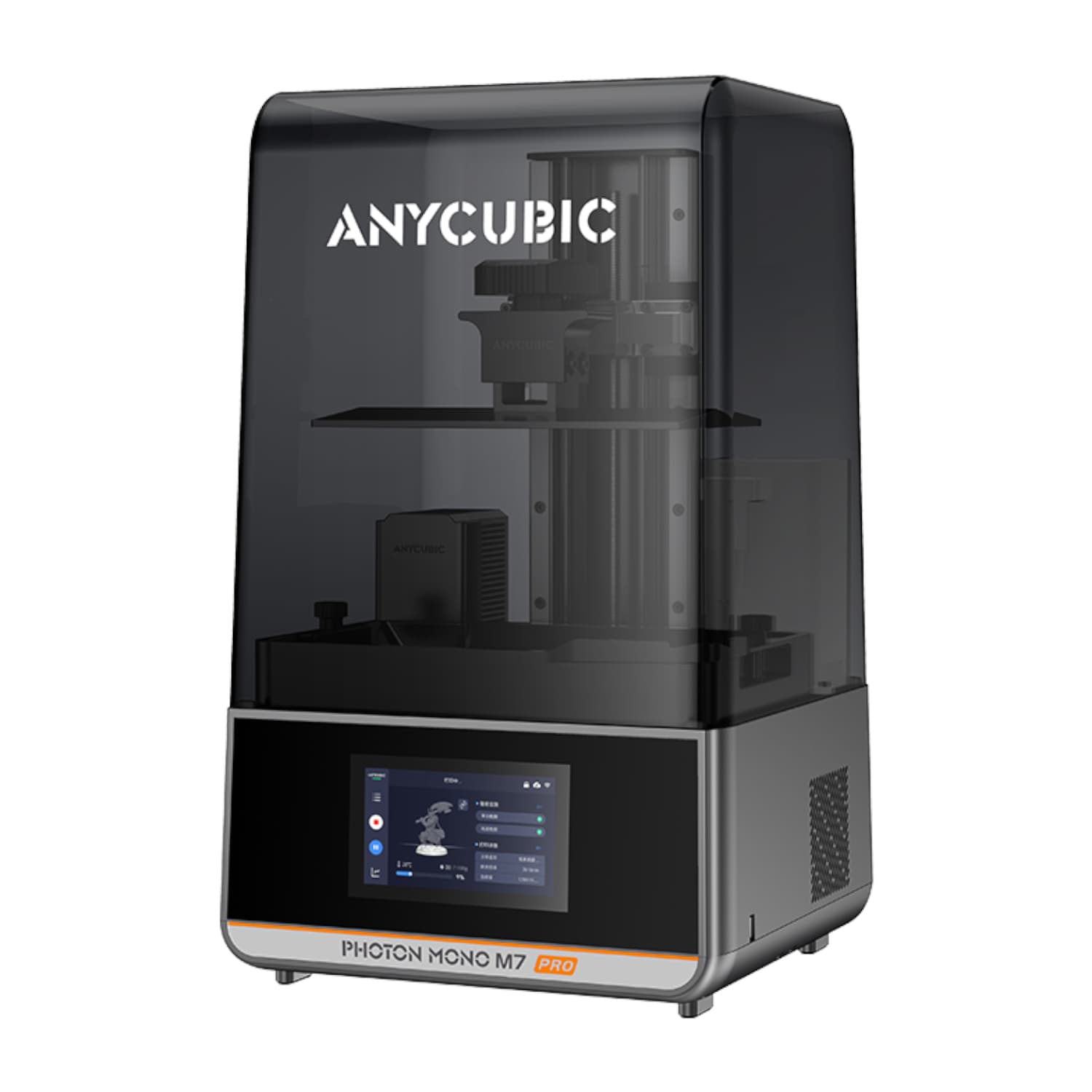
| Anycubic Photon Mono M7 Pro Resin 3D Printer | 1 Year supplier warranty, handled through Syntech |
| Anycubic Photon P1 Resin 3D Printer | 1 Year supplier warranty, handled through Syntech |
| Anycubic Kobra S1 Max Multicolour Combo | 1 Year supplier warranty, handled through Syntech |
| Anycubic Photon Mono 4 Resin 3D Printer | 1 Year supplier warranty, handled through Syntech |
| Anycubic Kobra 3 Max Large-Format 3D Printer | 1 Year supplier warranty, handled through Syntech |
FAQs
What's the difference between FDM and resin printing?
FDM printers (the Kobra range) melt plastic filament and build parts layer by layer. They suit practical parts, prototypes, organisers and larger objects. Resin printers (the Photon range) cure liquid resin with light and produce much finer detail, which suits miniatures and jewellery-sized work, but need more post-processing and ventilation.
Do I need an enclosed printer?
Not to get started. An enclosure keeps temperature steadier, which helps with some materials and in draughty rooms, and keeps dust and curious hands away from moving parts. If you mainly print PLA in a stable room, an open-frame printer works well.
What does it cost to keep printing?
Filament and resin are the ongoing cost. A 1kg spool of PLA or PETG goes a long way for small parts; large prints use it much faster. Check filament and resin prices in our Filament & Resin section and budget for a few spools in your first months.
Is resin printing safe to do at home?
Resin needs care. Uncured resin can irritate skin and gives off fumes while printing. Print in a well-ventilated room, wear nitrile gloves and eye protection when handling resin, and keep it away from children, pets and food areas. Follow the manufacturer's handling instructions for the specific resin.