



Buying guide
Keep your Wi-Fi on when the power goes
Outages are less predictable than they used to be. Here's how to keep your internet running, from a small router backup to a full power station.
The problem
National load shedding has eased, but local outages from cable theft, maintenance and municipal faults still happen with little warning. For many households, losing the internet is the most disruptive part: work calls drop, school portals go offline, and alarm and camera systems can lose their connection.
Key considerations
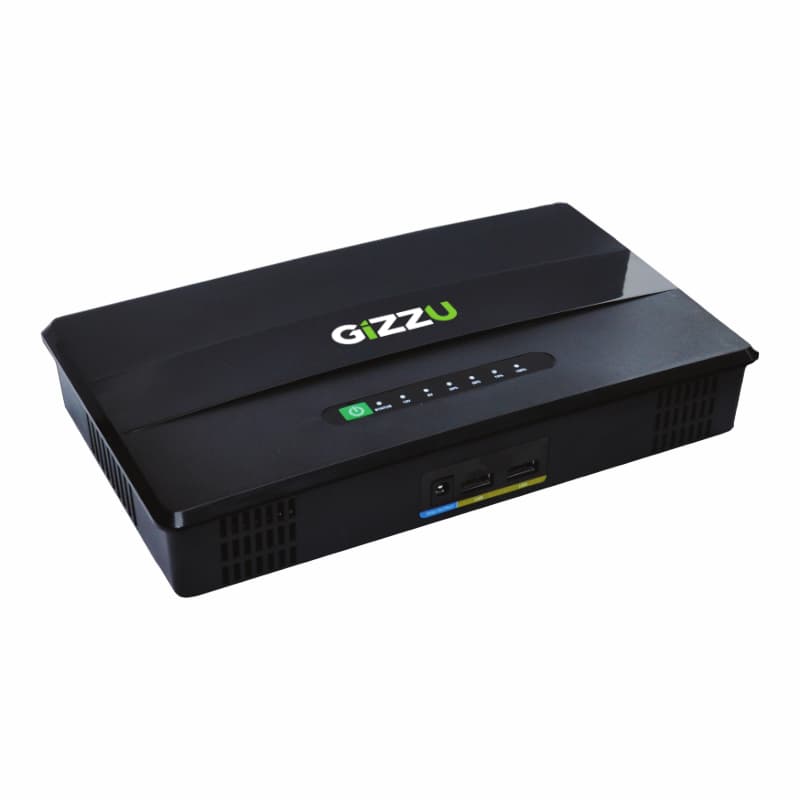
Start with the router. Your fibre box and router use very little power. A small backup unit like the Gizzu 60W PoE mini UPS can keep them running for several hours, depending on how much power they draw, and it's the most cost-effective first step.
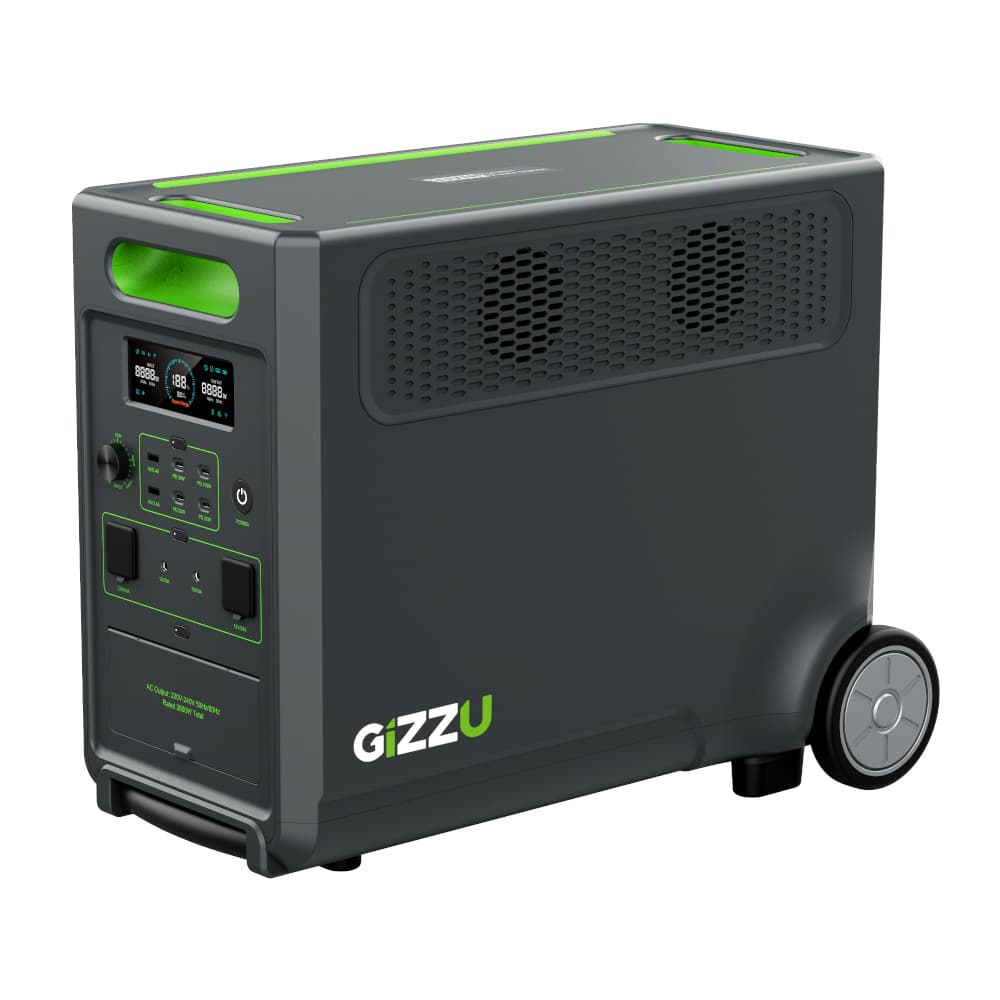
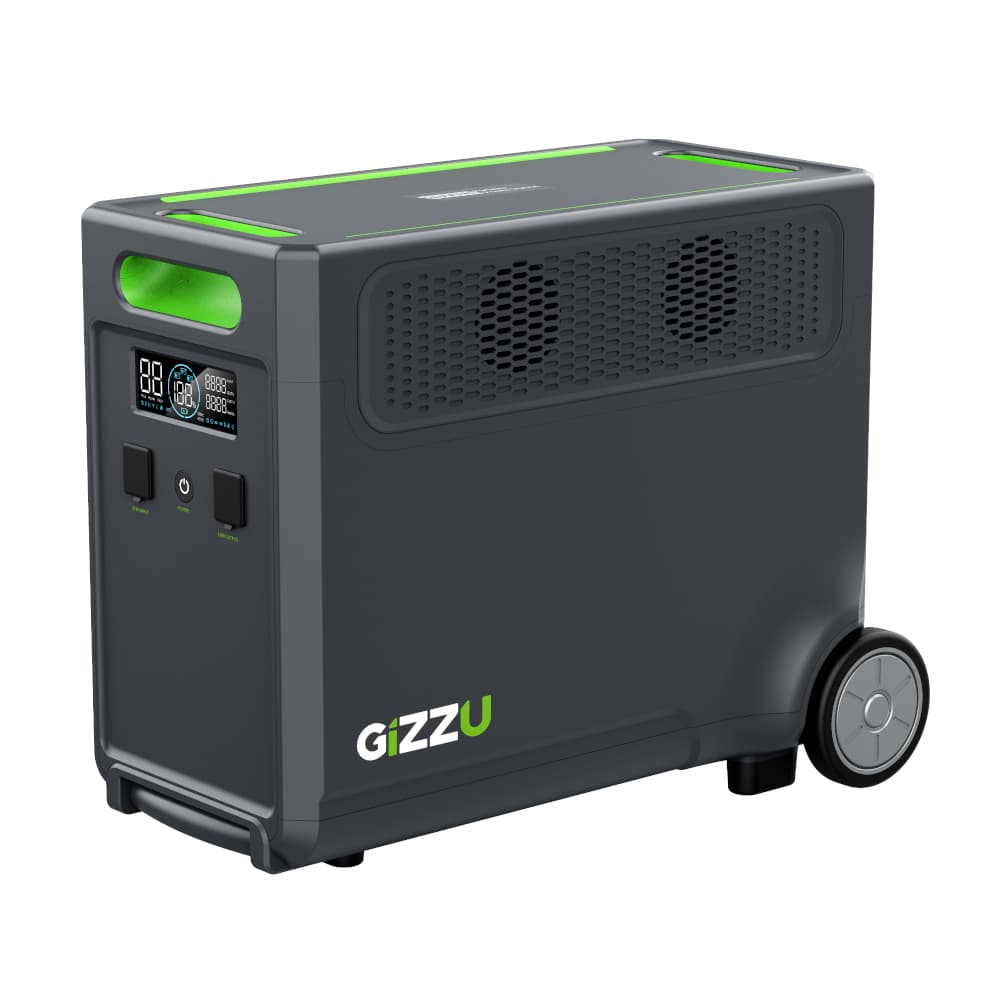
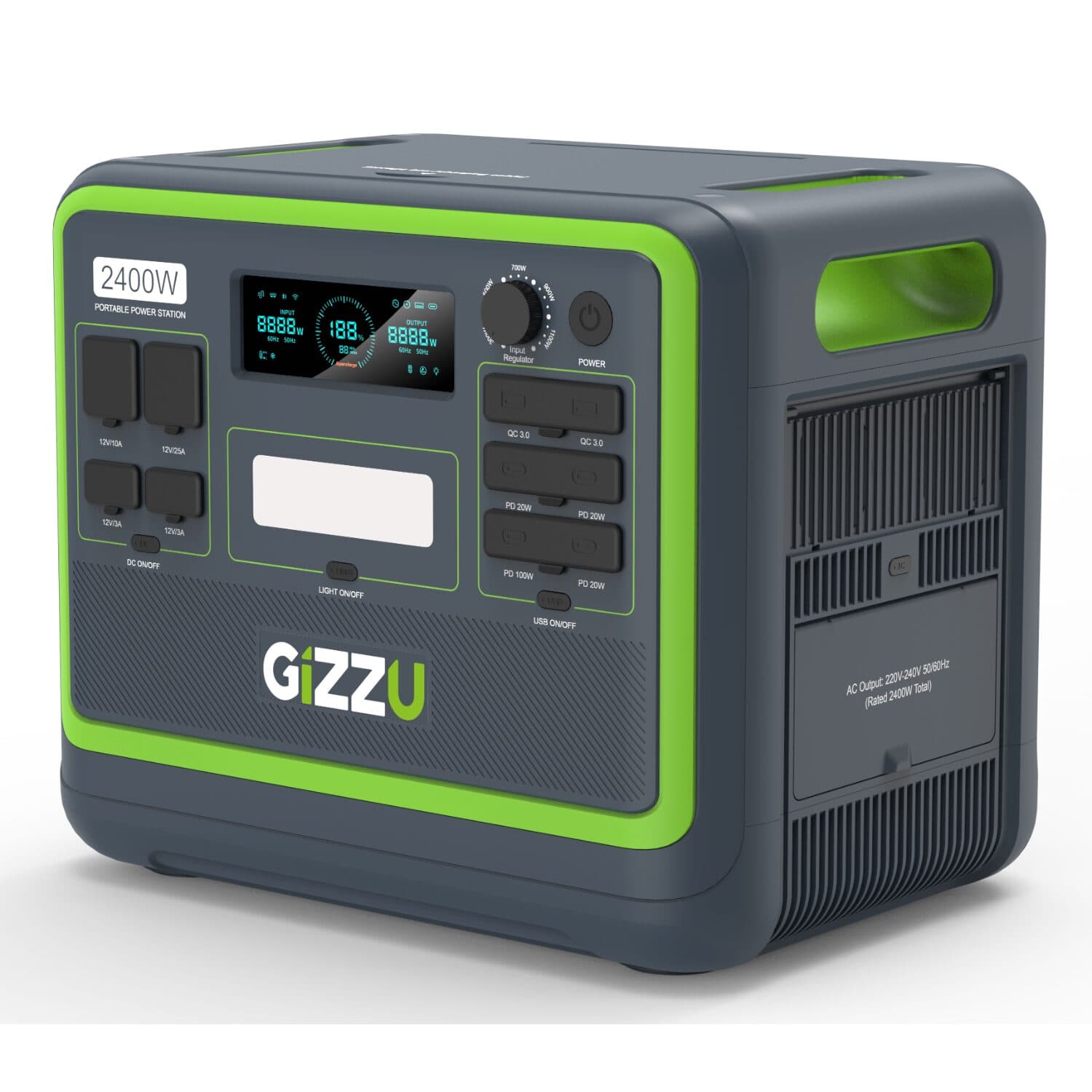
Size a power station to what you need. Power stations like the Gizzu Hero Pro and Hero Ultra Plus plug into the wall and switch over automatically when the power drops. Add up the wattage of what you want to keep on and compare it with each station's output and capacity.
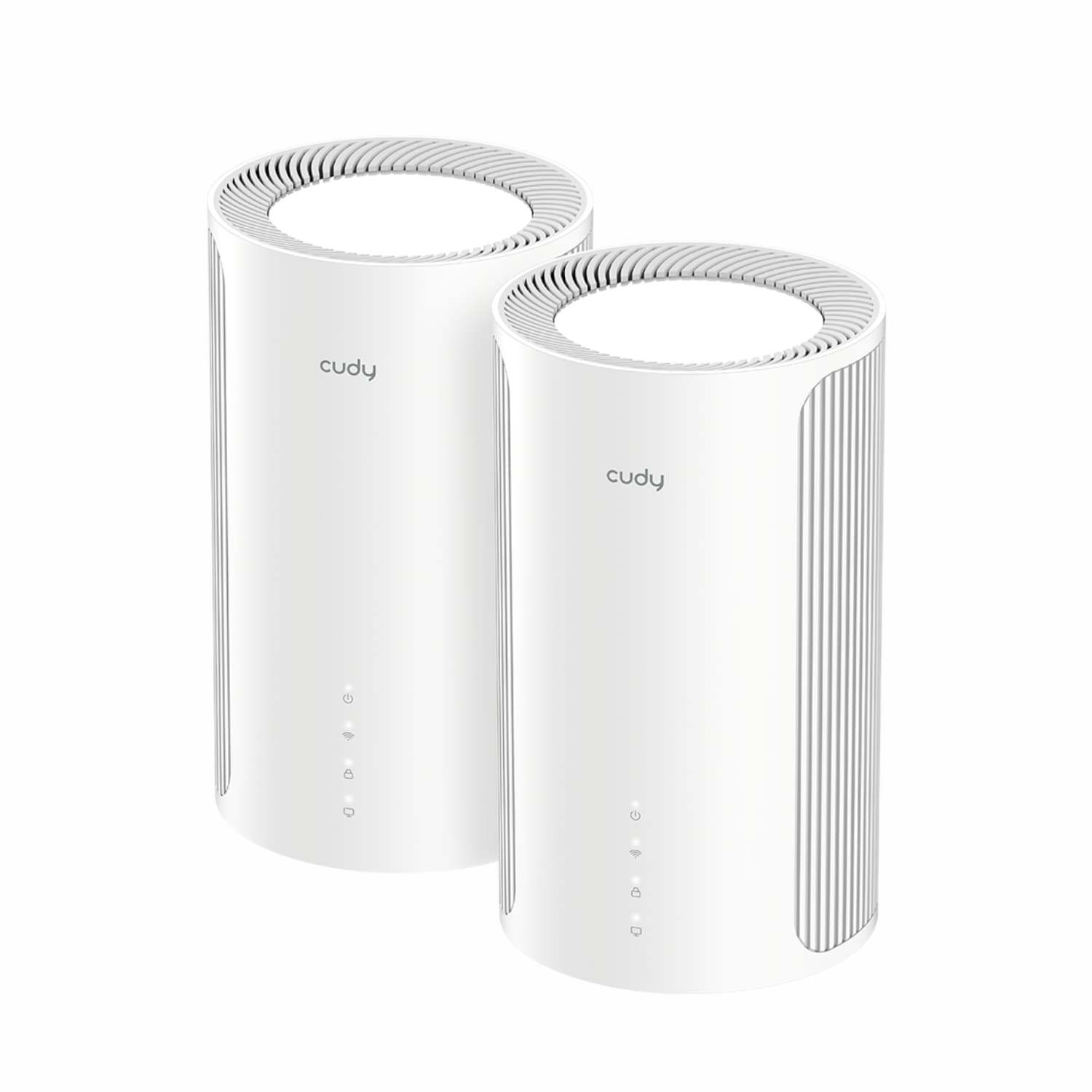
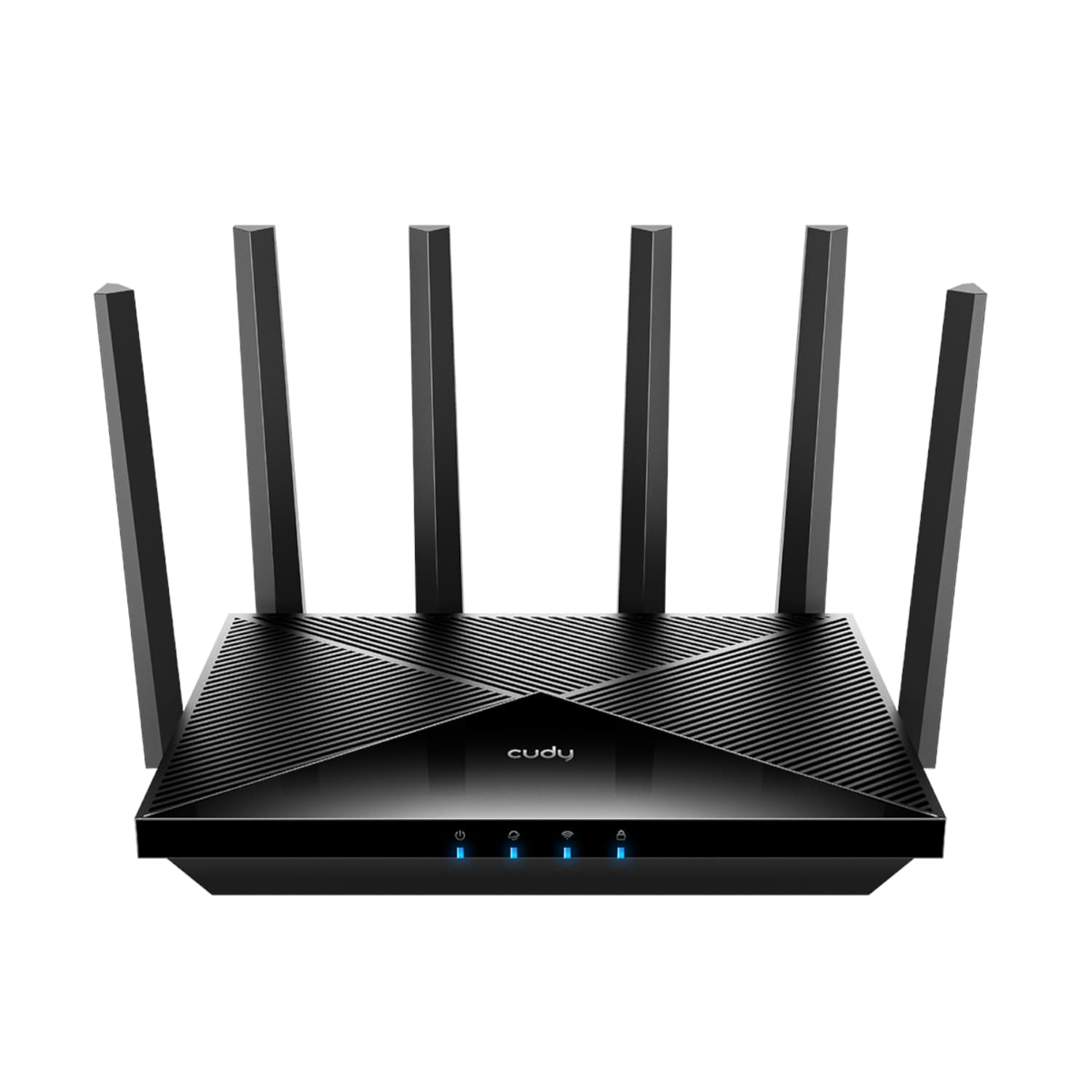
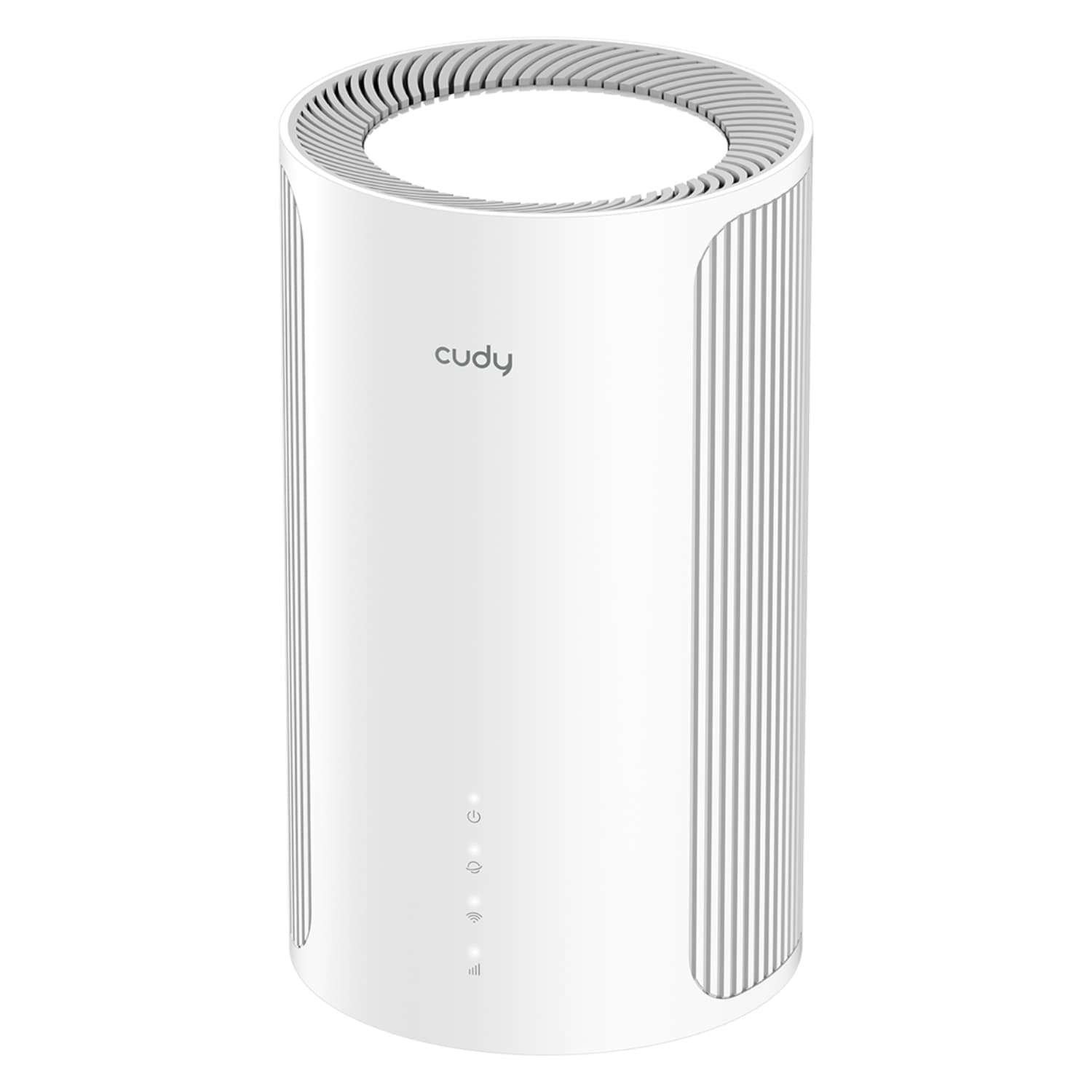
Fix weak Wi-Fi at the same time. If some rooms already struggle for signal, a mesh system spreads coverage across the house. Wi-Fi 7 mesh kits like Cudy's BE-series are built for homes with many connected devices.
No electrician needed for these. Everything in this guide is plug-in. Anything wired into your home's electrical circuits, such as an inverter on the distribution board, needs a qualified electrician and isn't something we sell.
Recommended products
Which is right for you
| Product | Warranty |
|---|---|
| Gizzu 60W PoE Mini UPS for Routers | 1 Year supplier warranty, handled through Syntech |
| Gizzu Hero Ultra Plus 3840Wh Power Station | 2 Year supplier warranty, handled through Syntech |
| Gizzu Hero Ultra Plus 3840Wh Extra Battery | 2 Year supplier warranty, handled through Syntech |
| Gizzu Hero Pro 2048Wh Power Station (with App) | 2 Year supplier warranty, handled through Syntech |
| Cudy BE11000 Wi-Fi 7 Tri-Band Mesh – 2 Units | 2 Year supplier warranty, handled through Syntech |
| Cudy BE11000 Wi-Fi 7 Mesh Router | 2 Year supplier warranty, handled through Syntech |
| Cudy BE11000 Wi-Fi 7 Tri-Band Mesh – 1 Unit | 2 Year supplier warranty, handled through Syntech |
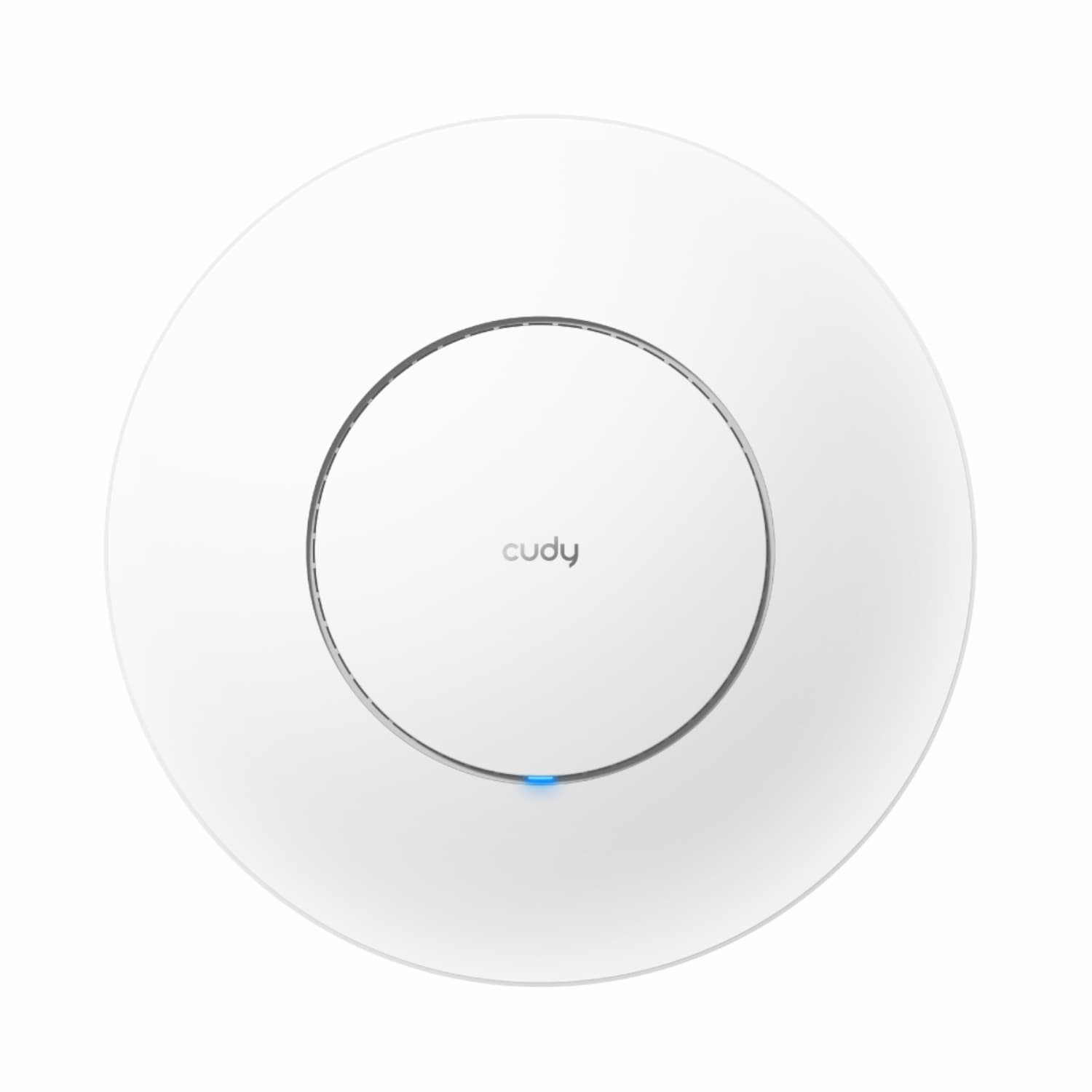
| Cudy BE3600 Wi-Fi 7 Ceiling Access Point | 2 Year supplier warranty, handled through Syntech |
FAQs
Do I need a power station, or is a mini UPS enough?
If you only need the internet to stay up, a mini UPS that powers your router and fibre box is the simplest and cheapest option. A power station makes sense when you also want to run laptops, lights, a TV or other essentials through an outage.
Will a mini UPS work with my router?
Most routers and fibre boxes run on low-voltage DC power. Check the voltage printed on your router's power adapter and match it to the outputs listed on the UPS. If your setup uses PoE (power over Ethernet), choose a PoE-capable unit.
How long will a power station keep things running?
It depends on the station's capacity in watt-hours (Wh) and how much power your devices draw. Divide the capacity by the total wattage of what you plan to run for a rough estimate, and allow some margin for conversion losses. Each product page lists its capacity and output.