



Buying guide
Setting up a home office desk that works
One cable for screens, power and network, clearer calls, and when a mini PC makes more sense than a laptop.
The problem
Working from a laptop on the dining table is fine for a day. Doing it every day means juggling chargers, adapters and a small screen, and sounding distant on calls. A few well-chosen pieces fix most of that.
Key considerations
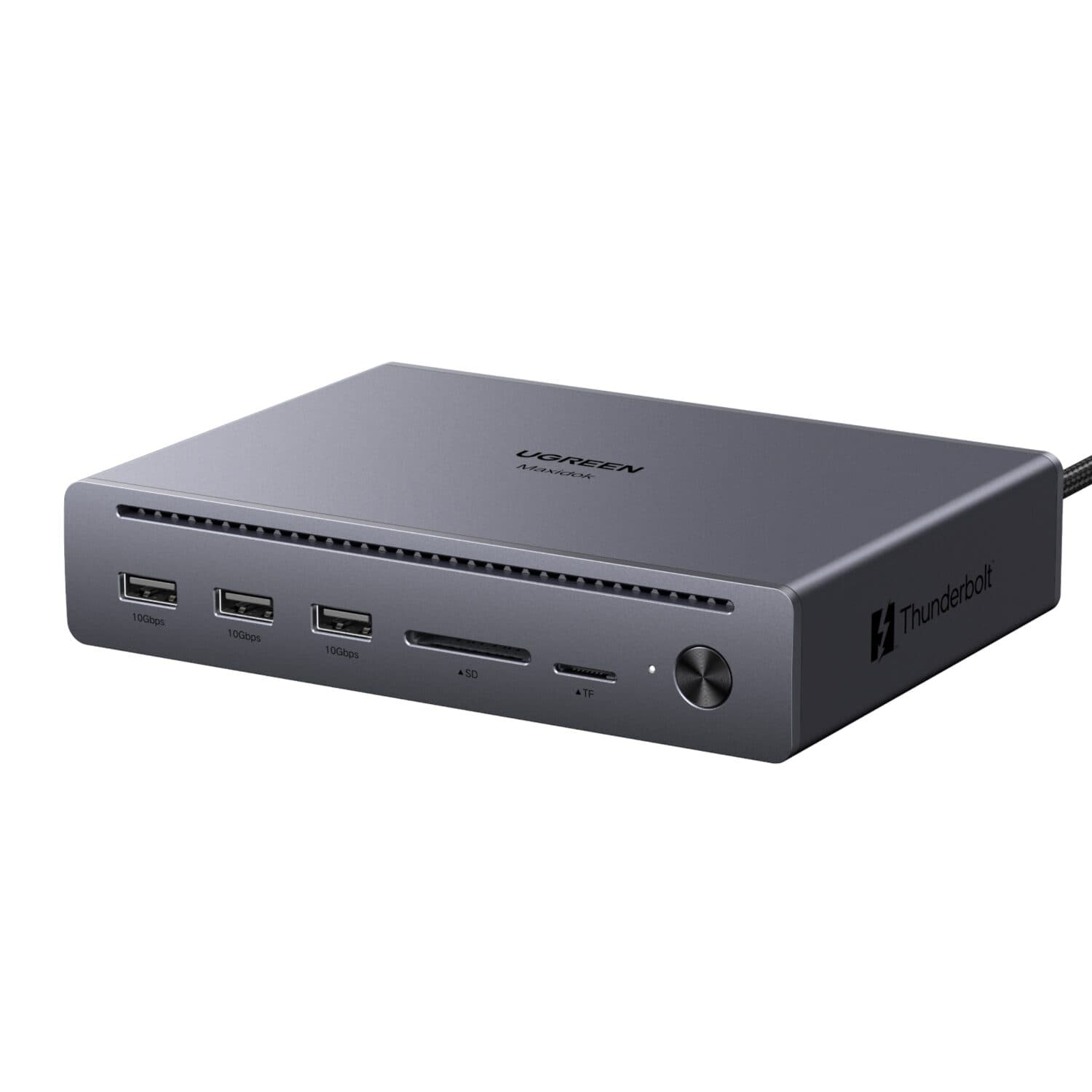
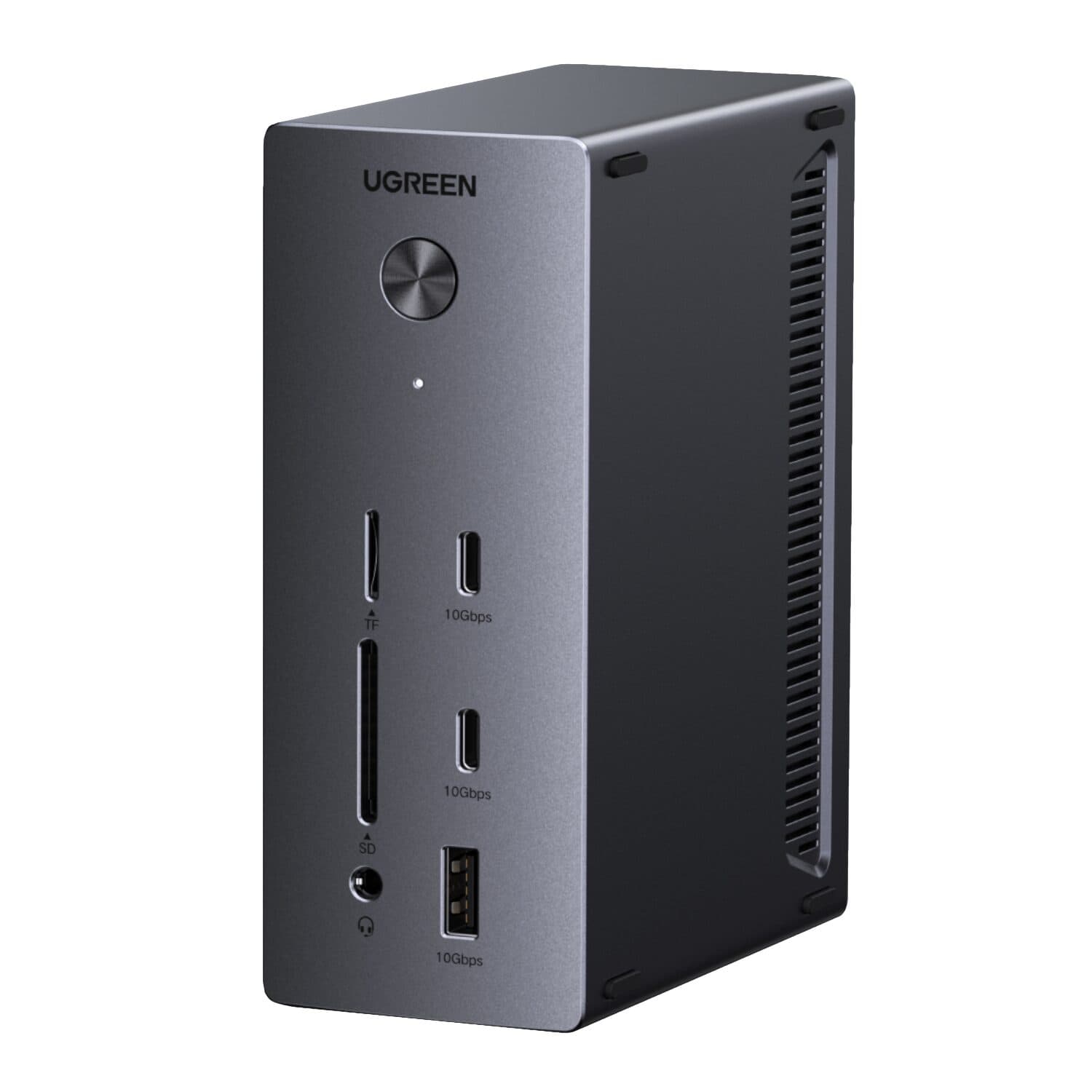
A dock turns your laptop into a desktop. Plug in one cable and get your monitors, keyboard, mouse, network and charging at once. Check how many screens you need, what resolution they run at, and how much charging power your laptop needs (shown in watts on its charger).
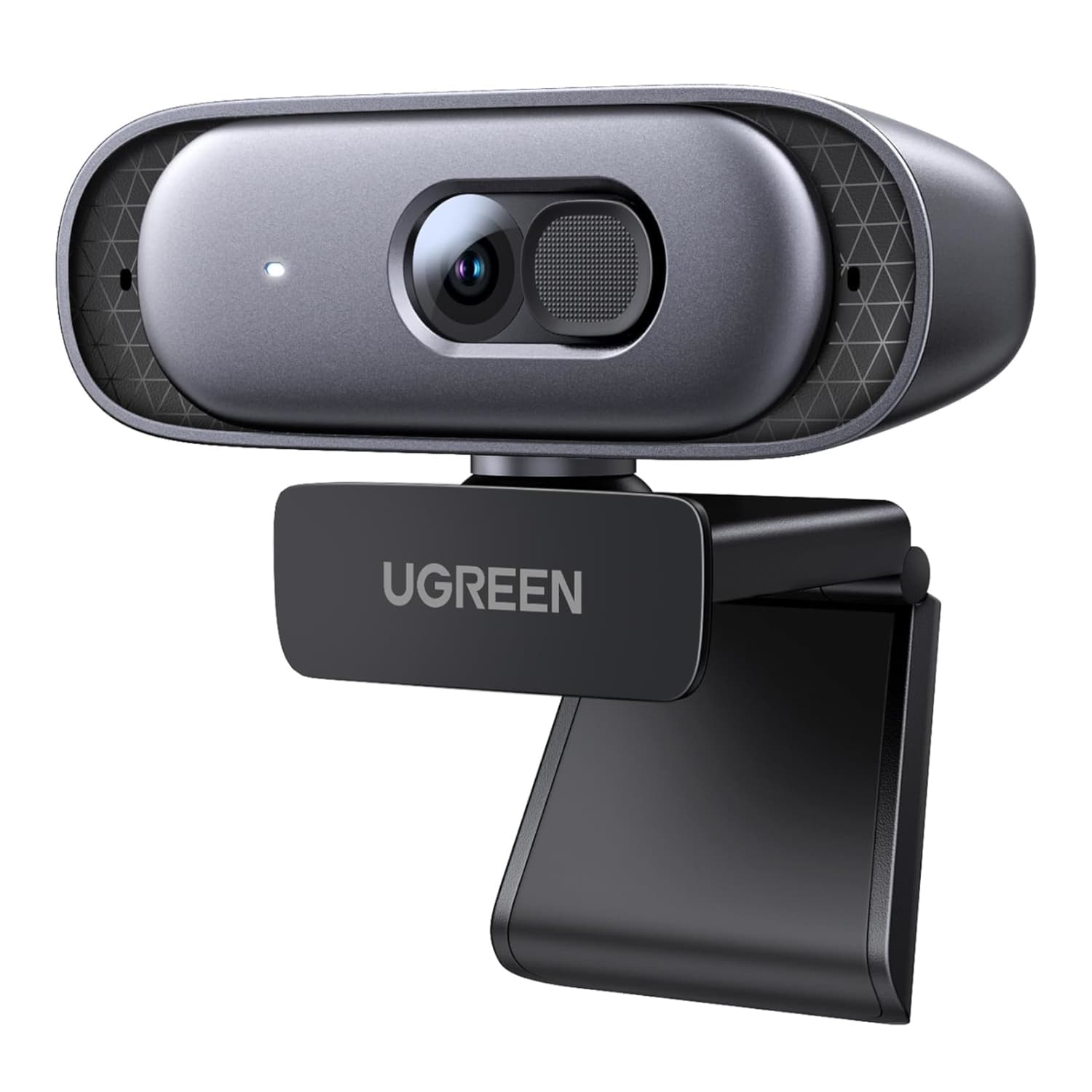
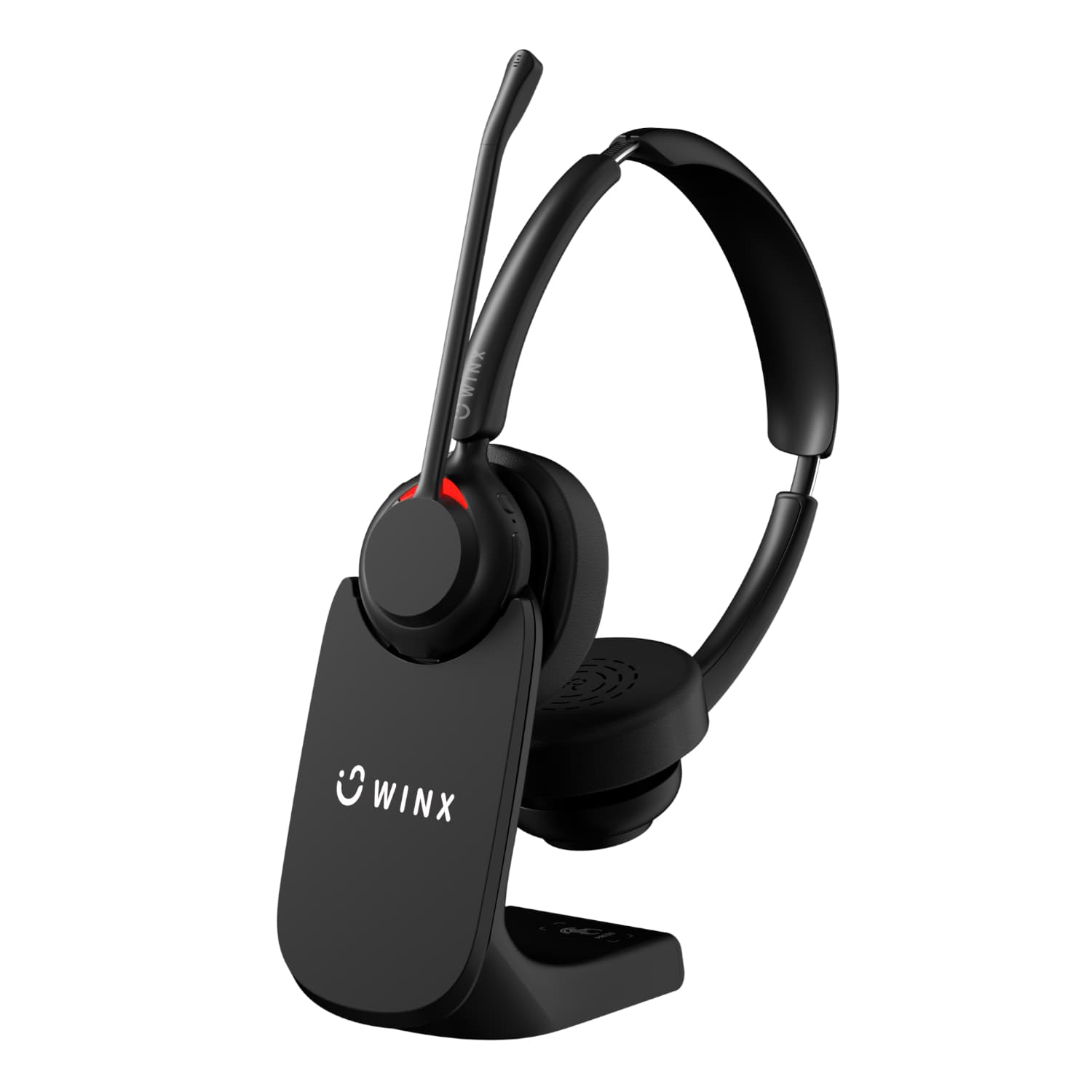
Calls depend on audio more than video. A headset with noise cancelling, like the WINX CALL Elite, makes the biggest difference to how you sound. A separate webcam gives a clearer picture than most built-in laptop cameras.
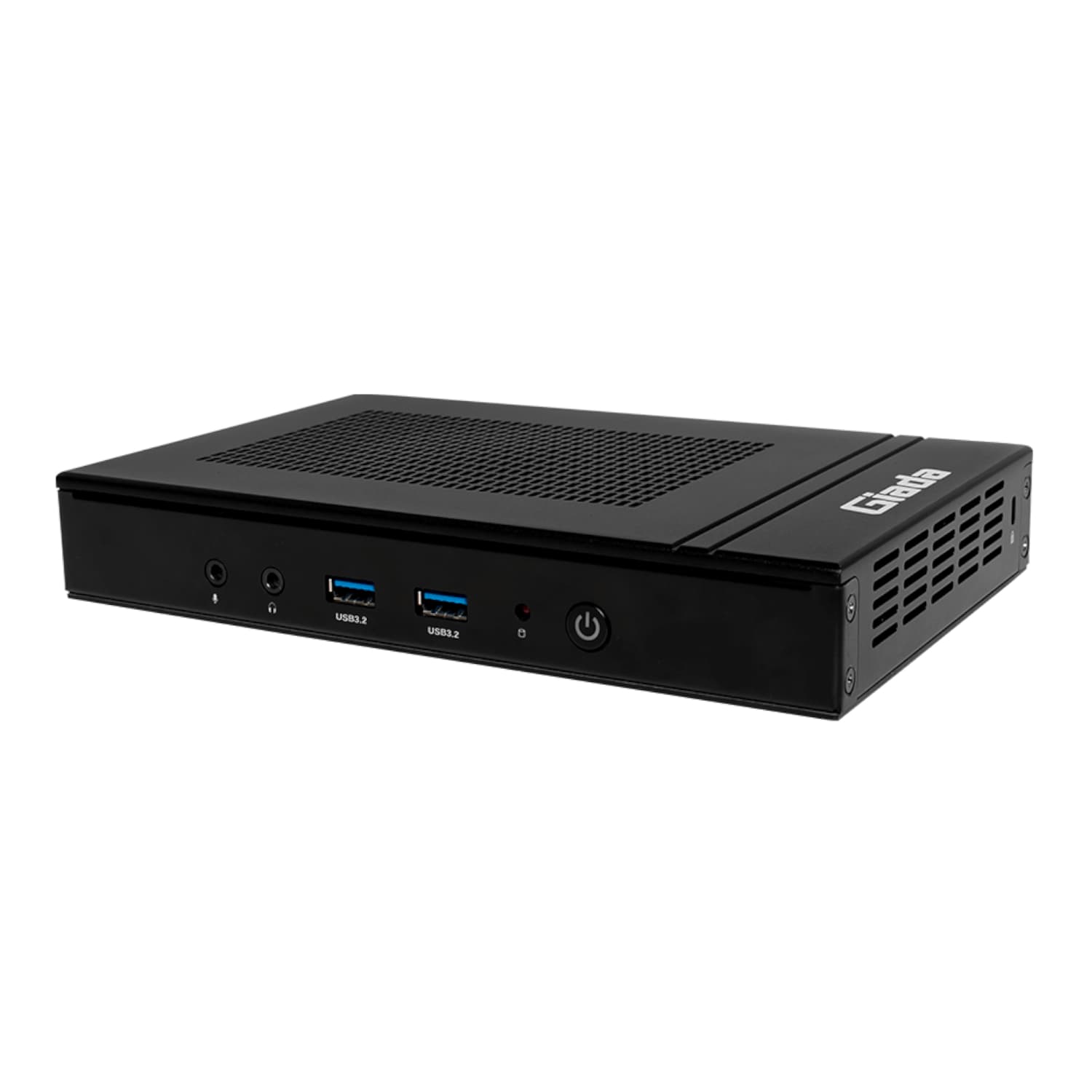
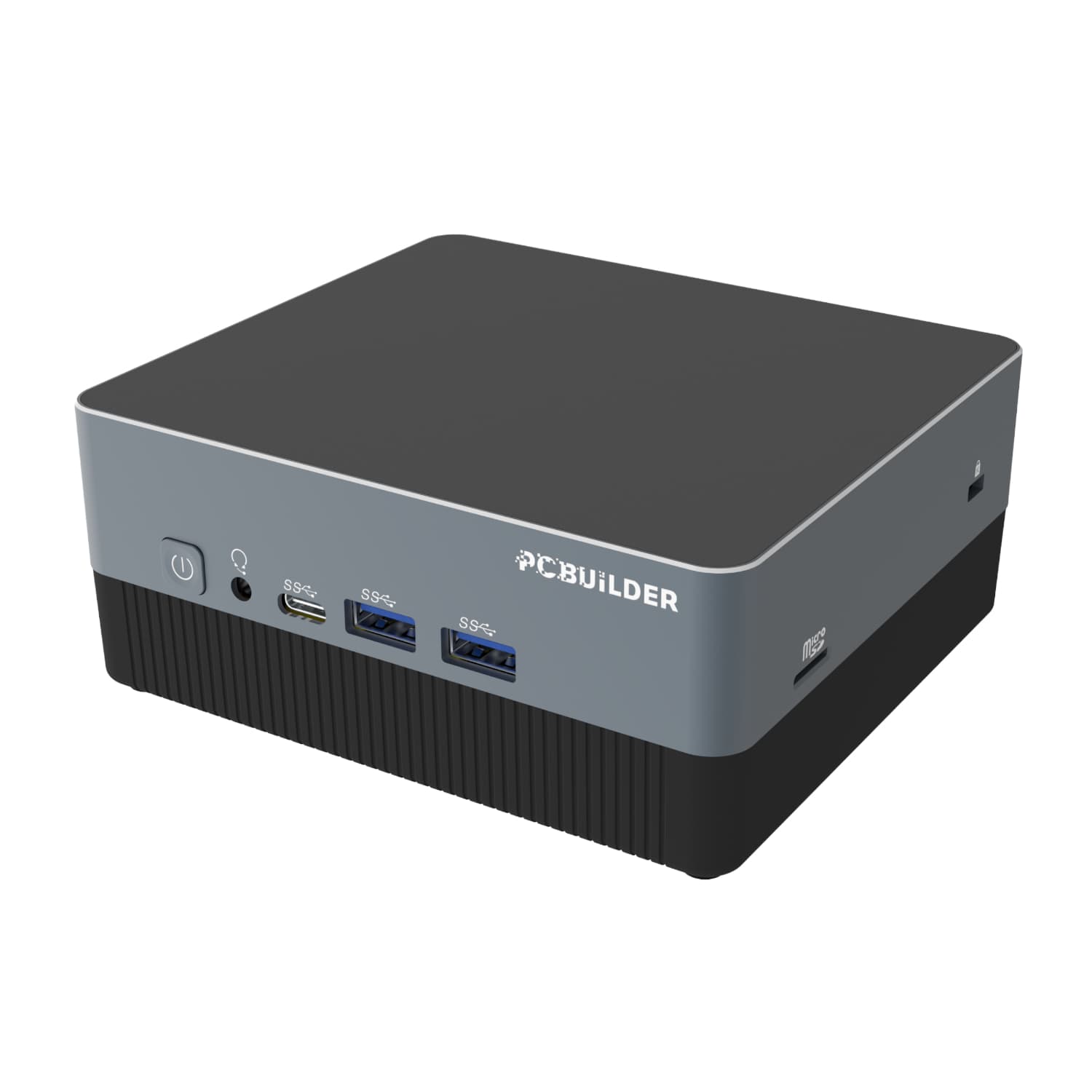
Consider a mini PC for a fixed desk. If your work doesn't need to travel, a compact desktop like the PCBuilder CUBE gives you a full Windows machine that mounts behind a monitor. Barebone models like the Giada D108 suit people who want to build their own setup or run a home server.
Finish with the right cables. Good Ethernet cable gives a steadier connection than Wi-Fi for calls, and a USB sharing switch lets two computers share one set of peripherals.
Recommended products
Which is right for you
| Product | Warranty |
|---|---|
| UGREEN Maxidok 10-in-1 Thunderbolt 5 Dock | 2 Year supplier warranty, handled through Syntech |
| UGREEN 14-in-1 USB-C Triple-Display Dock (100W) | 2 Year supplier warranty, handled through Syntech |
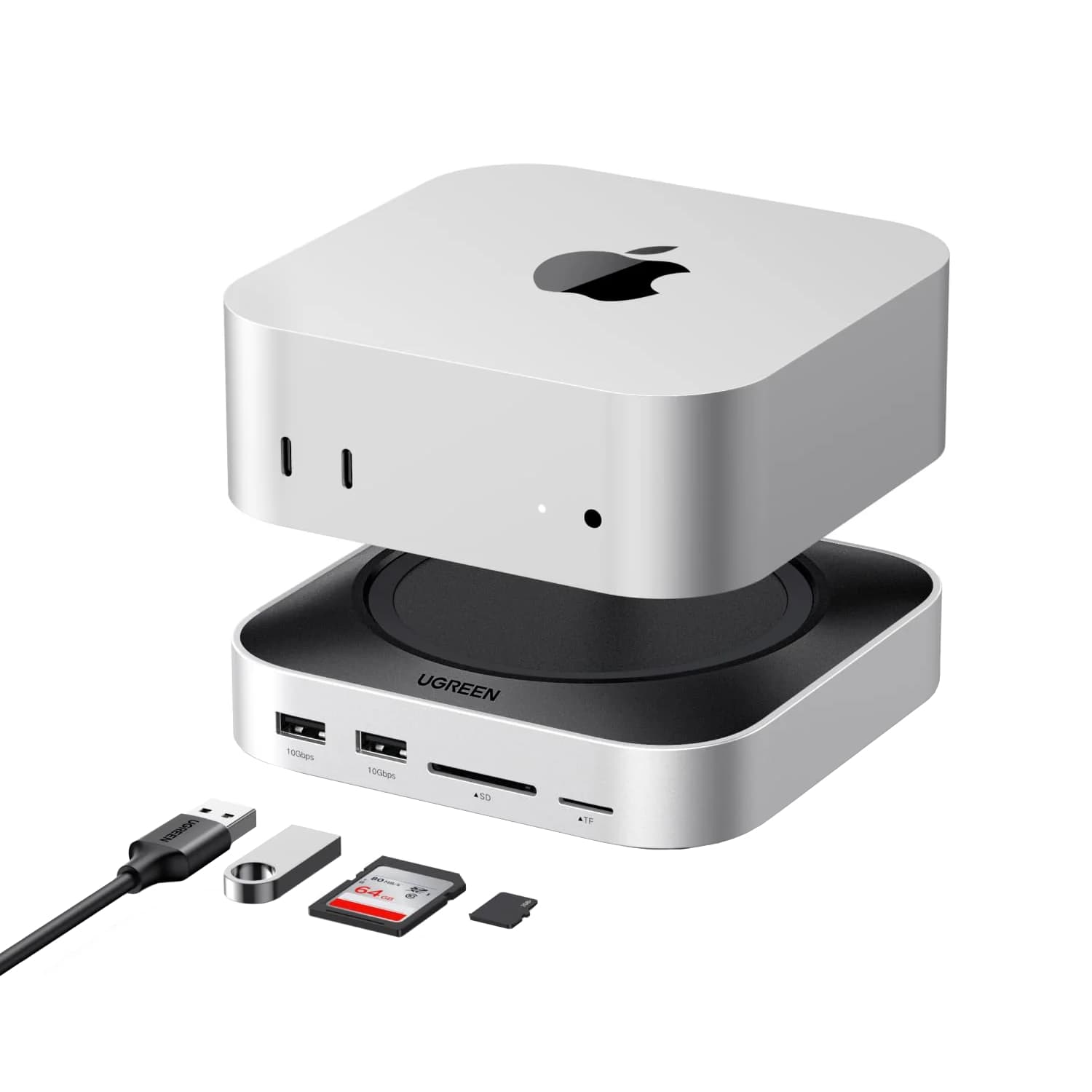
| UGREEN Mac mini M4 Dock with NVMe Slot | 2 Year supplier warranty, handled through Syntech |
| UGREEN 2K USB Webcam | 2 Year supplier warranty, handled through Syntech |
| WINX CALL Elite Wireless Noise-Cancelling Headset | 2 Year supplier warranty, handled through Syntech |
| Giada D108 Mini PC – AMD Ryzen 7 8845HS (Barebone) | 2 Year supplier warranty, handled through Syntech |
| PCBuilder CUBE Mini PC – Intel i5, 16GB, 512GB, Windows 11 Pro | 2 Year supplier warranty, handled through Syntech |
FAQs
Will this dock work with my laptop?
It depends on your laptop's USB-C or Thunderbolt port. Check that the port supports video output (often shown with a DisplayPort or Thunderbolt symbol) and charging. Macs with base M-series chips support a limited number of external displays, so a triple-display dock may not drive every screen on those machines.
Do I need Thunderbolt?
Only if your laptop has it and you need the extra bandwidth, for example several high-resolution screens or fast external storage. A good USB-C dock covers most everyday setups.
What does 'barebone' mean for a mini PC?
A barebone mini PC comes without memory, storage or an operating system, so you add your own. It suits people building a home server or who want to choose their own parts. A complete system, like the PCBuilder CUBE, is ready to use out of the box.