



Buying guide
A beginner's guide to smart home starter kits
New to smart home products? Here's how to start small, avoid ecosystem lock-in regret, and build up a setup that actually fits your home.
The problem
Smart home shopping gets confusing fast — different ecosystems, hub requirements, and subscription models that aren't always obvious until after you've bought something. This guide is for anyone starting from zero who wants a setup that actually works together, without needing to become an expert first.
Key considerations
Start with one need, not a whole-home plan. A single well-chosen product (a smart plug, a motion sensor, a light) is a better first purchase than a large bundle you haven't lived with yet.
Check ecosystem compatibility before you buy your second product. "Works with Matter" products are built for cross-brand interoperability. Outside of that, don't assume two products from different brands will talk to each other — check the compatibility tags on each product page.
Installation difficulty varies a lot within "smart home." Some products are genuinely DIY in five minutes; others expect permanent wiring changes. If you're renting, this matters even more — see our Renter-Friendly Smart Home collection for products chosen specifically to avoid that problem.
Subscription dependency is easy to miss until it's too late. Some products need an ongoing subscription for full functionality, others work fully standalone. Check "subscription dependency" on the product page before you buy, not after your trial period ends.
Recommended products
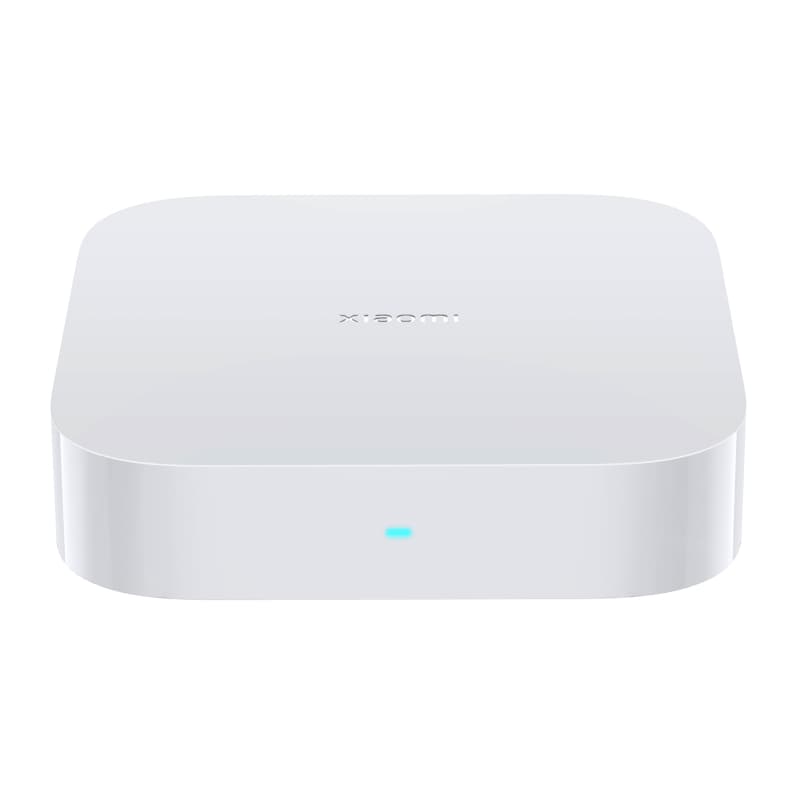
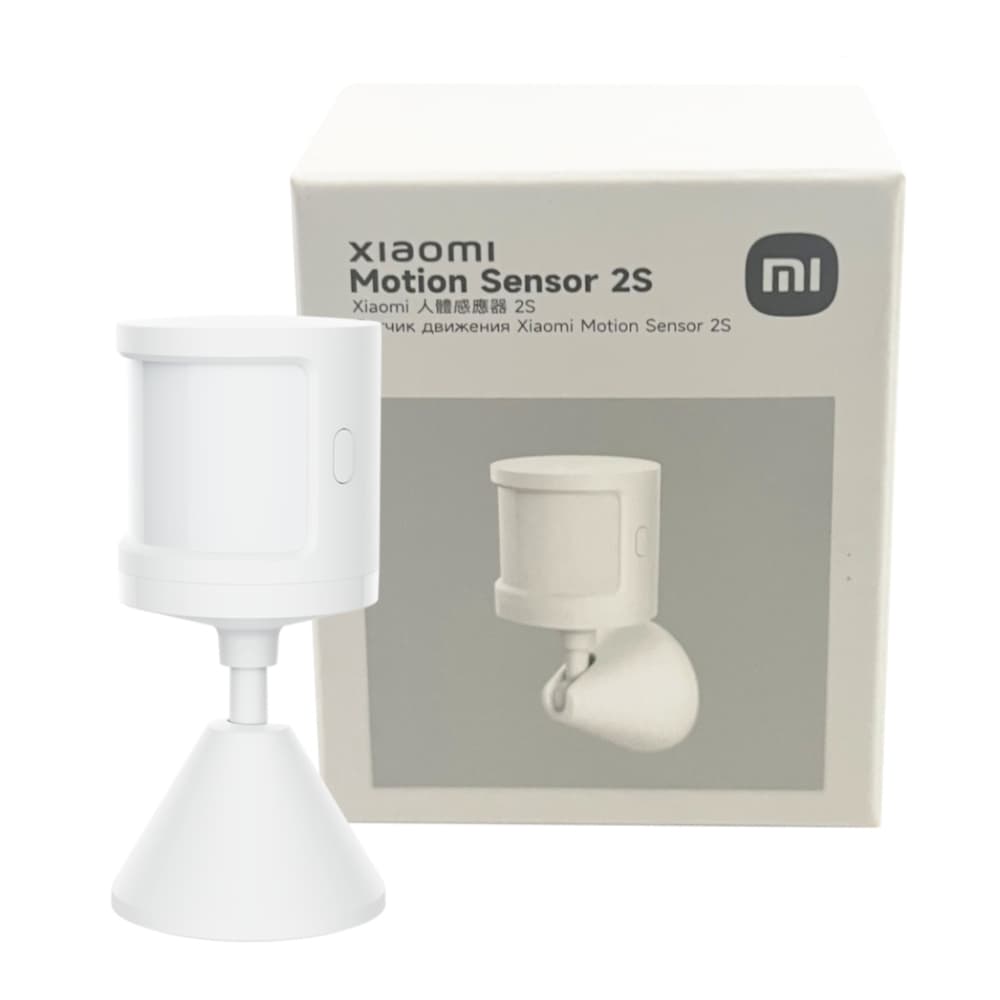
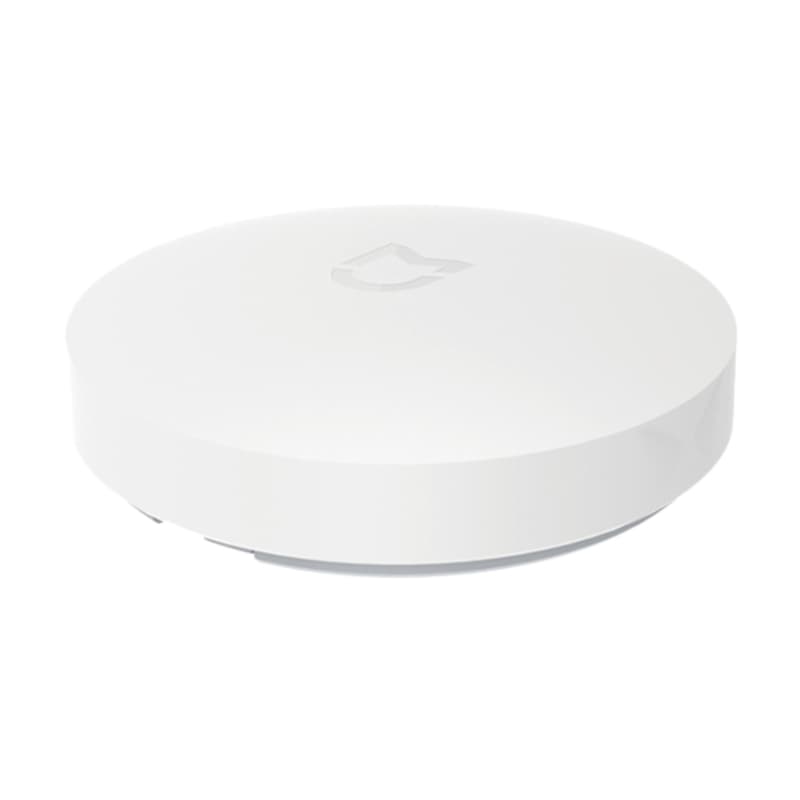
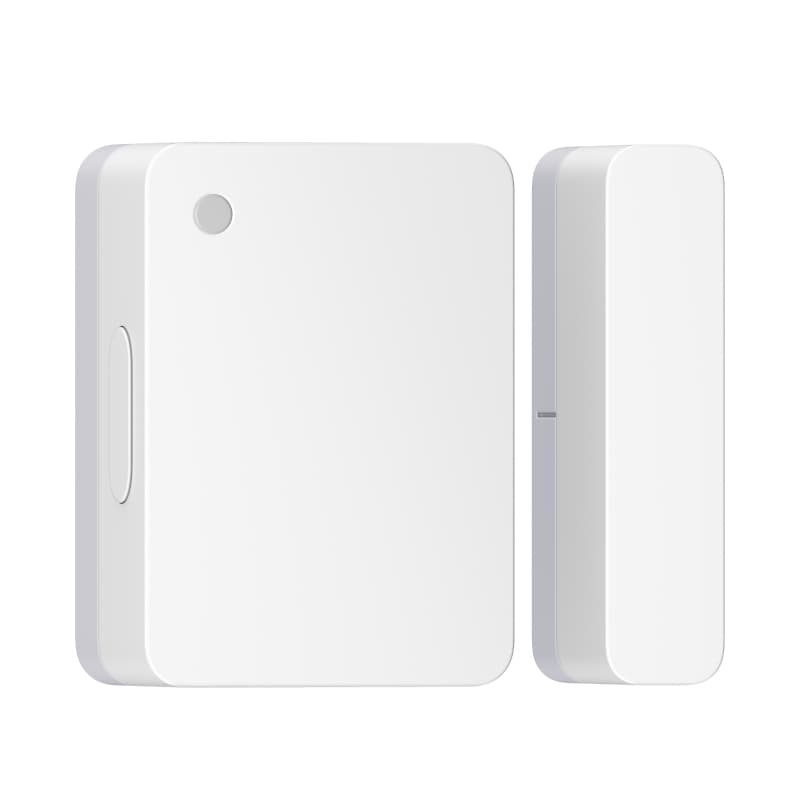
Which is right for you
| Product | Compatibility | Power source | Installation | Subscription |
|---|---|---|---|---|
| Xiaomi Smart Home Hub 2 | Xiaomi / Mi Home, Zigbee, Wi-Fi | Mains powered | DIY — Easy | No subscription required |
| Xiaomi Motion Sensor 2S | Xiaomi / Mi Home, Requires Hub | Replaceable battery | DIY — Easy | No subscription required |
| Xiaomi Wireless Switch | Xiaomi / Mi Home, Requires Hub | Replaceable battery | DIY — Easy | No subscription required |
| Xiaomi Window and Door Sensor 2 | Xiaomi / Mi Home, Requires Hub | Replaceable battery | DIY — Easy | No subscription required |
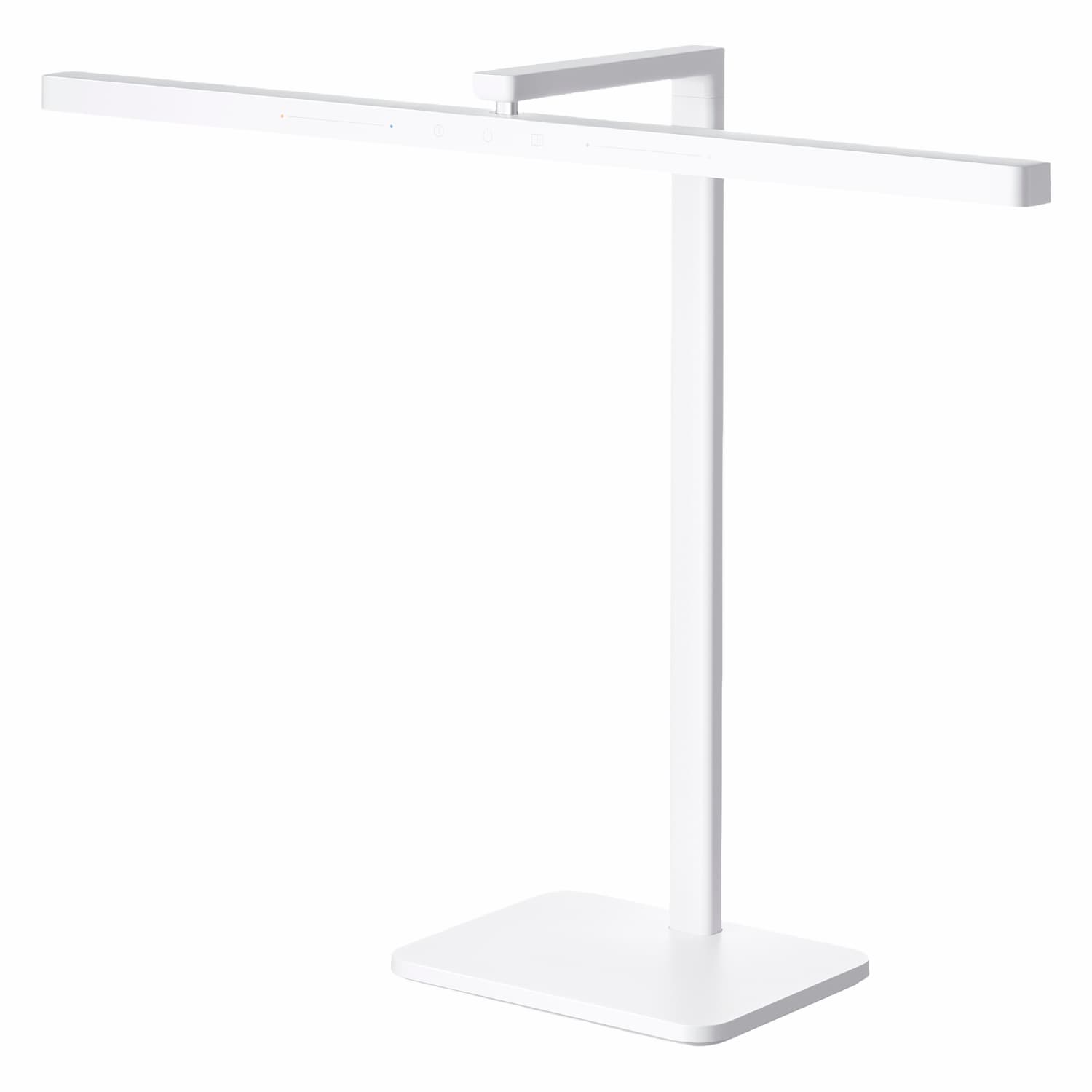
| Xiaomi LED Desk Lamp 2 | Xiaomi / Mi Home | Mains powered | DIY — Easy | No subscription required |
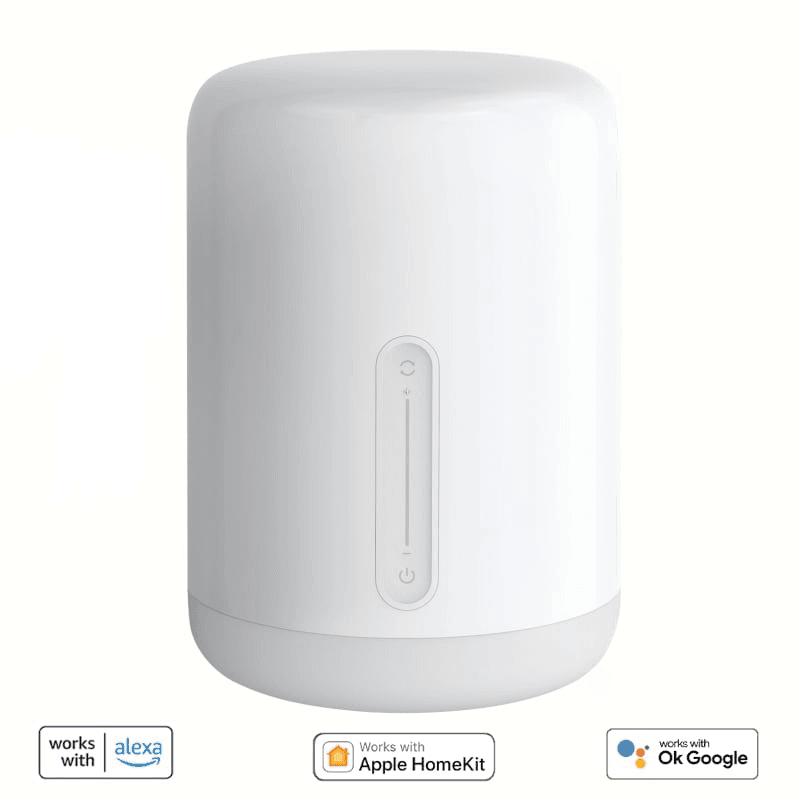
| Xiaomi Bedside Lamp 2 | Xiaomi / Mi Home | Mains powered | DIY — Easy | No subscription required |
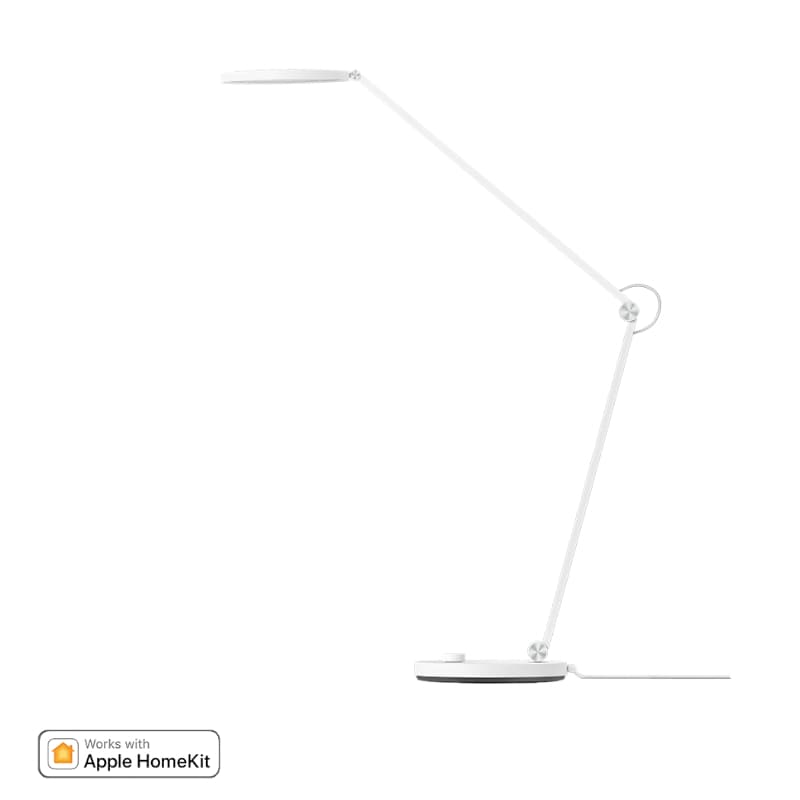
| Xiaomi Smart LED Desk Lamp Pro | Xiaomi / Mi Home | Mains powered | DIY — Easy | No subscription required |
| Xiaomi Motion Activated Night Light 3 | Xiaomi / Mi Home | Rechargeable battery | DIY — Easy | No subscription required |
FAQs
Do I need a hub to get started with smart home products?
Not always — many products connect directly over Wi-Fi and only need their own app. Some ecosystems (Zigbee-based devices in particular) need a hub to communicate. Check the "compatibility" field on each product page — a "Requires Hub" tag means exactly that.
Will products from different brands work together?
It depends on what ecosystem tags they share. Products tagged "Works with Matter" are built to interoperate across brands by design. Outside of that, cross-brand compatibility isn't guaranteed — check each product's compatibility tags before assuming two products will work together.
What should I buy first?
Most people start with one clearly useful thing (smart lighting or a single automation sensor) rather than a whole-home overhaul on day one. It lets you get comfortable with one app and one ecosystem before expanding.