



Curated pick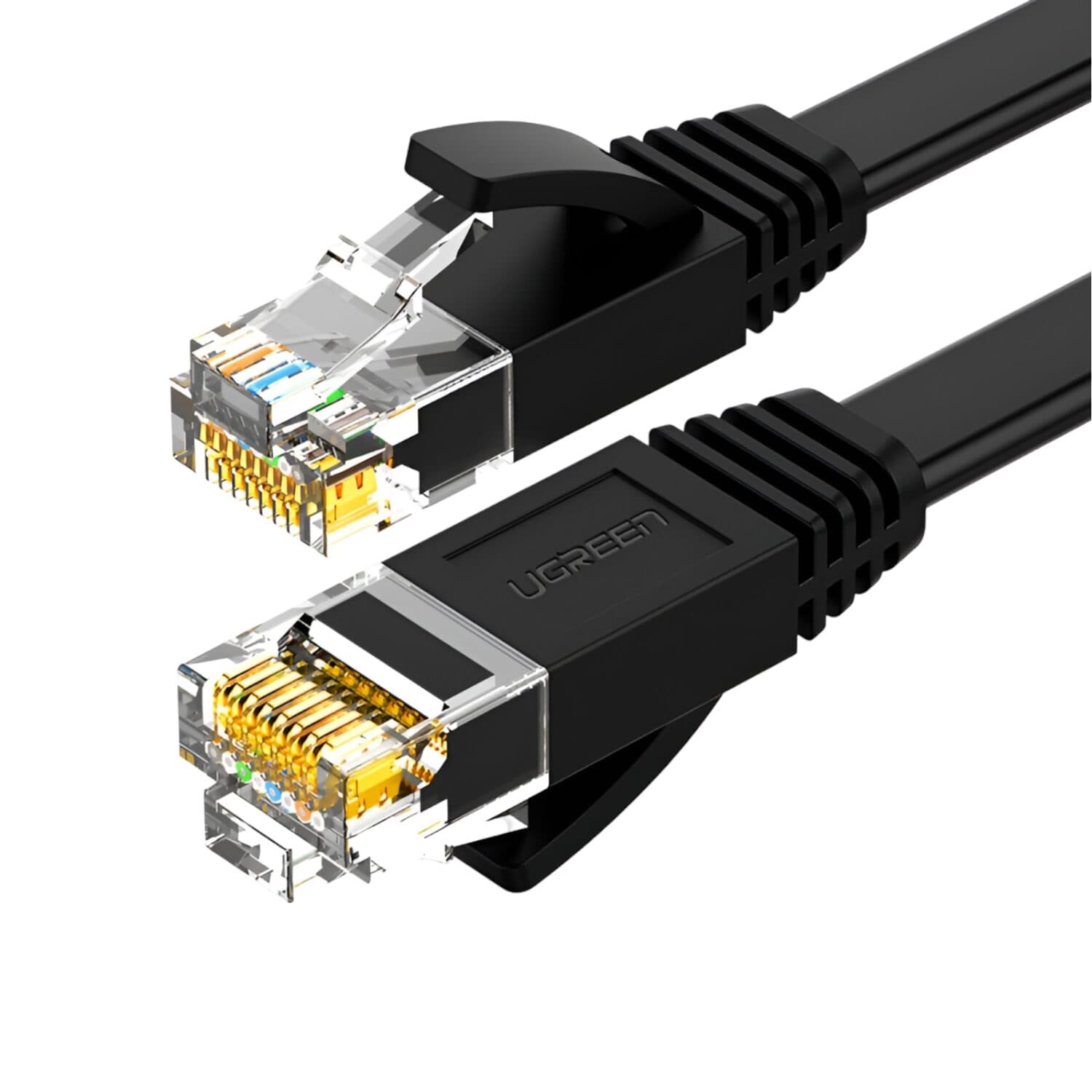
Loading page
Loading buying guides
Loading guide
Buying guide
Match what your laptop or PC has to what your screen has, and pick the right network cable length.
Screens, laptops and docks do not always share the same ports, so the cable that fits one end may not fit the other. Find what your device has on the left, what your screen has next to it, and the table shows what connects them. Prices and stock are live.
Adapters only work in the direction shown. Each product's name and page give its exact specifications.
Not sure which ports your device has? Check its manual or specifications, or contact us and we will help.
These are Cat6 network cables, which support Gigabit Ethernet speeds. A wired connection is steadier than Wi-Fi for calls and downloads. Pick the length for the run you need.
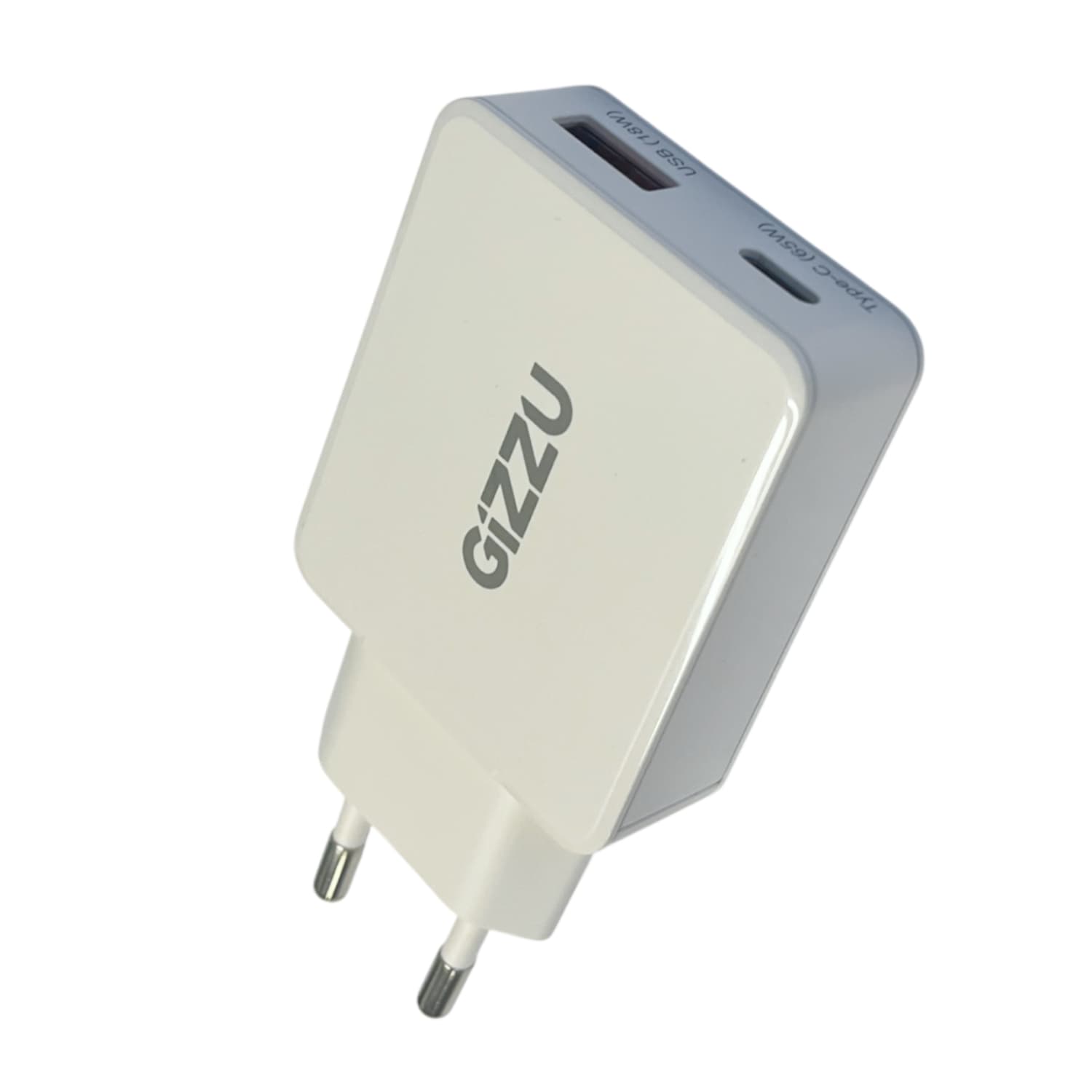
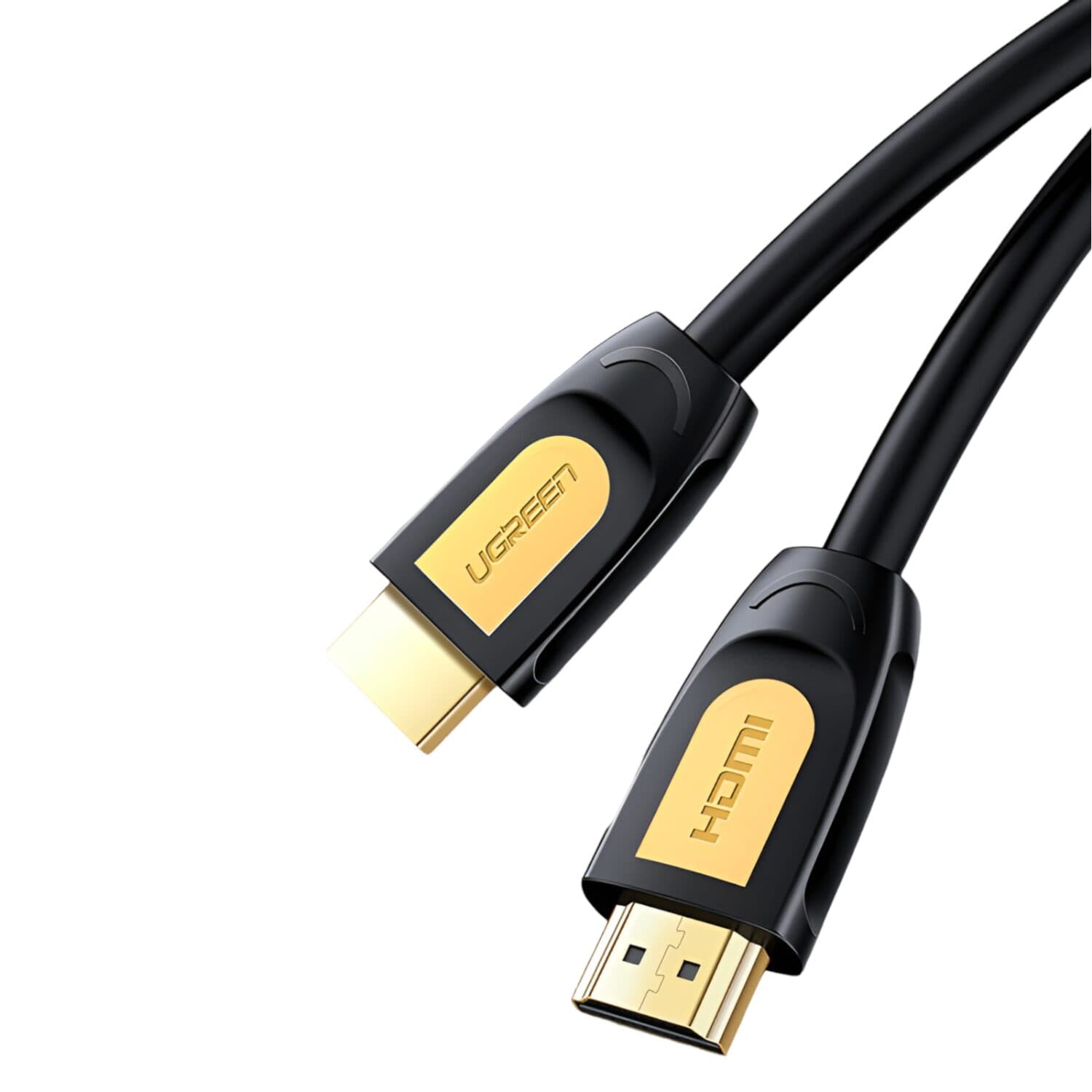
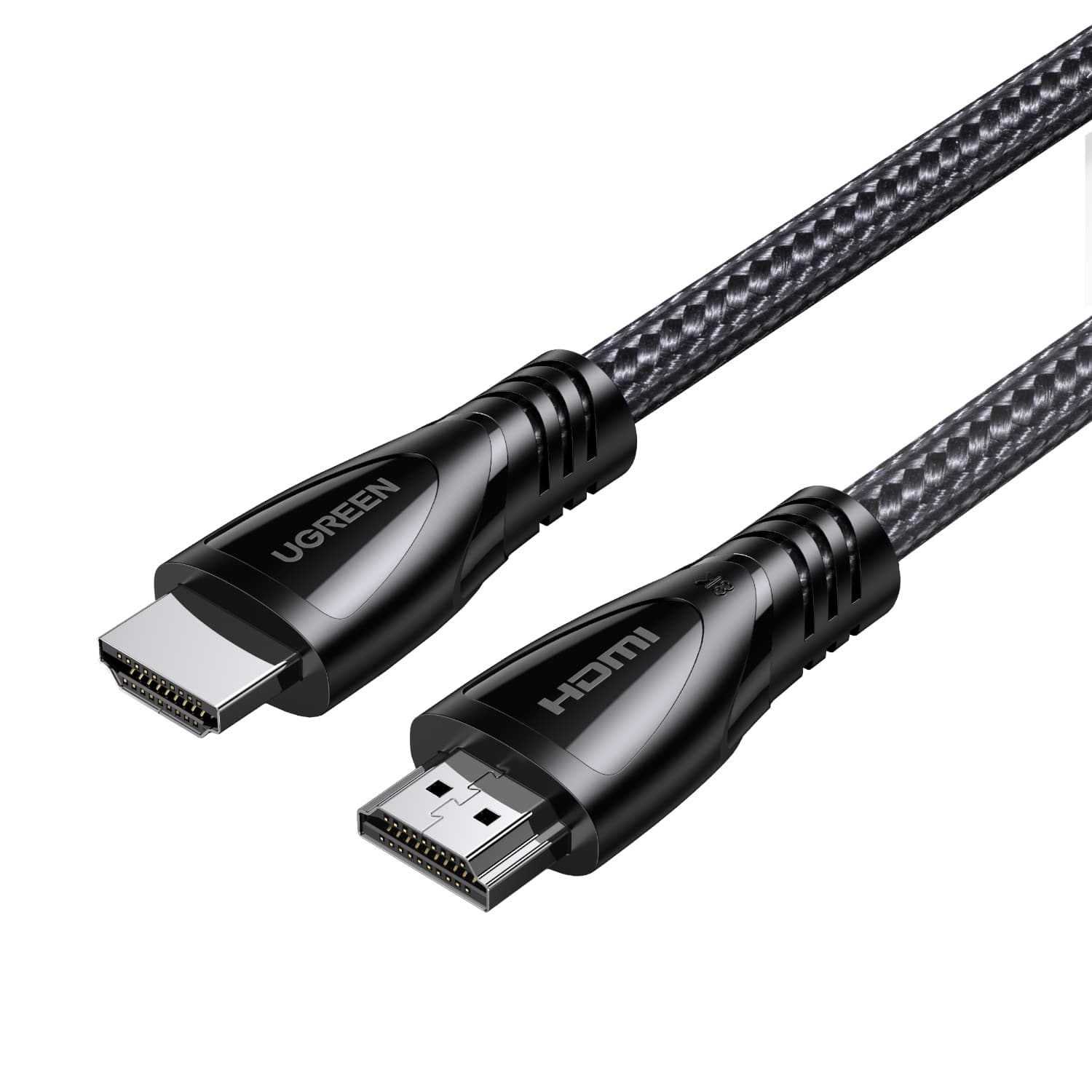
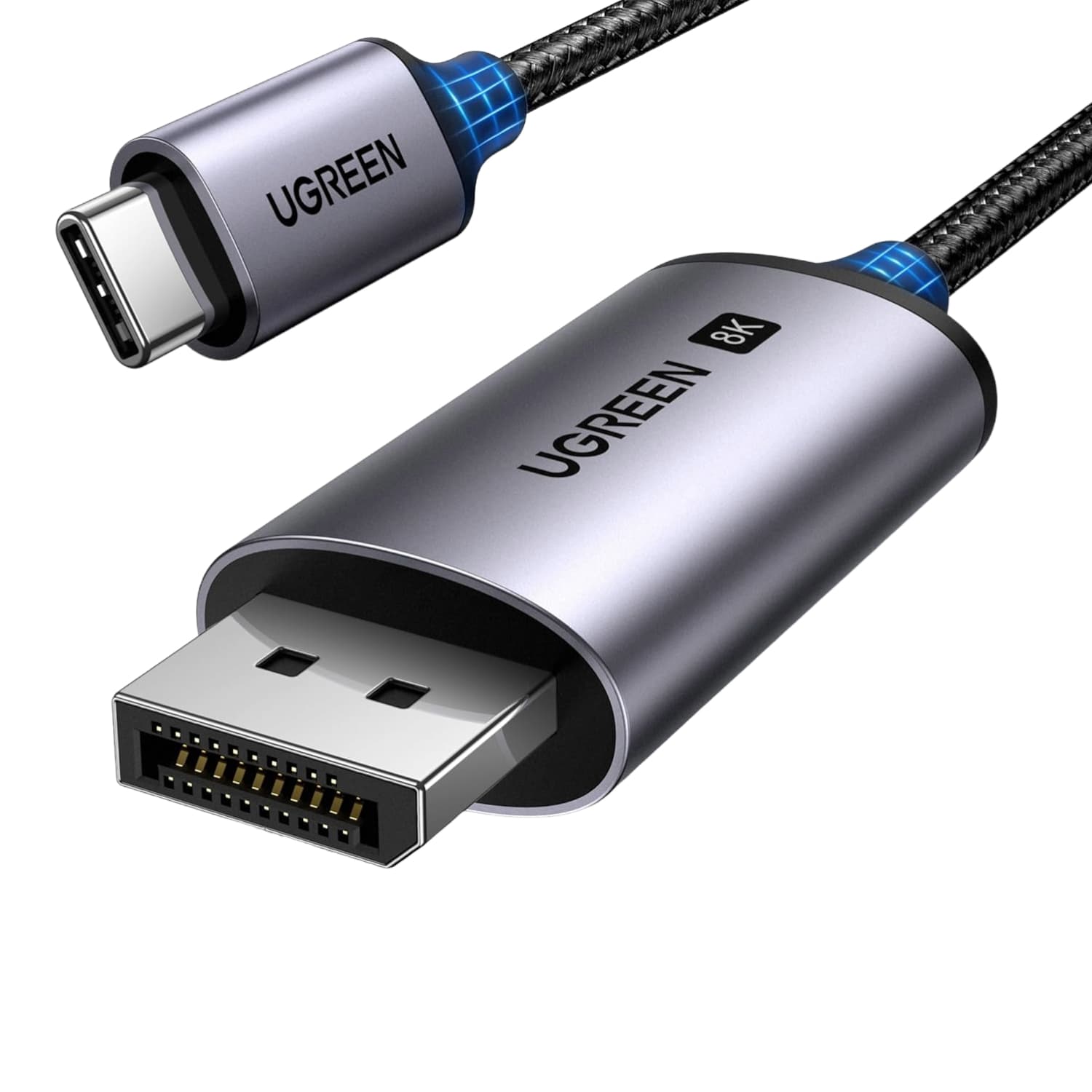
| Product | Warranty |
|---|---|
| UGREEN Cat6 Flat Network Cable 10m | 2 Year supplier warranty, handled through our suppliers |
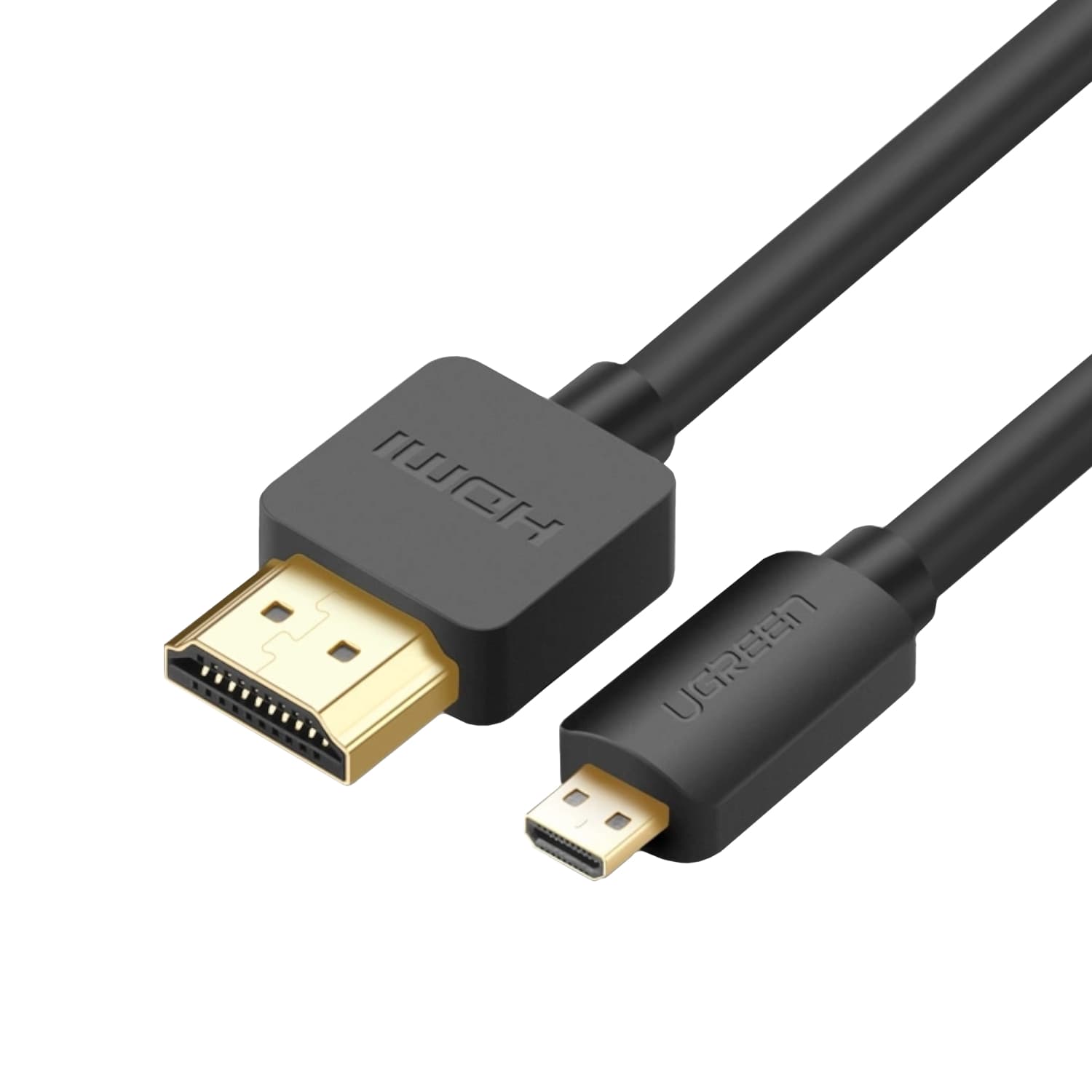
| UGREEN Micro HDMI to HDMI Cable | 2 Year supplier warranty, handled through our suppliers |
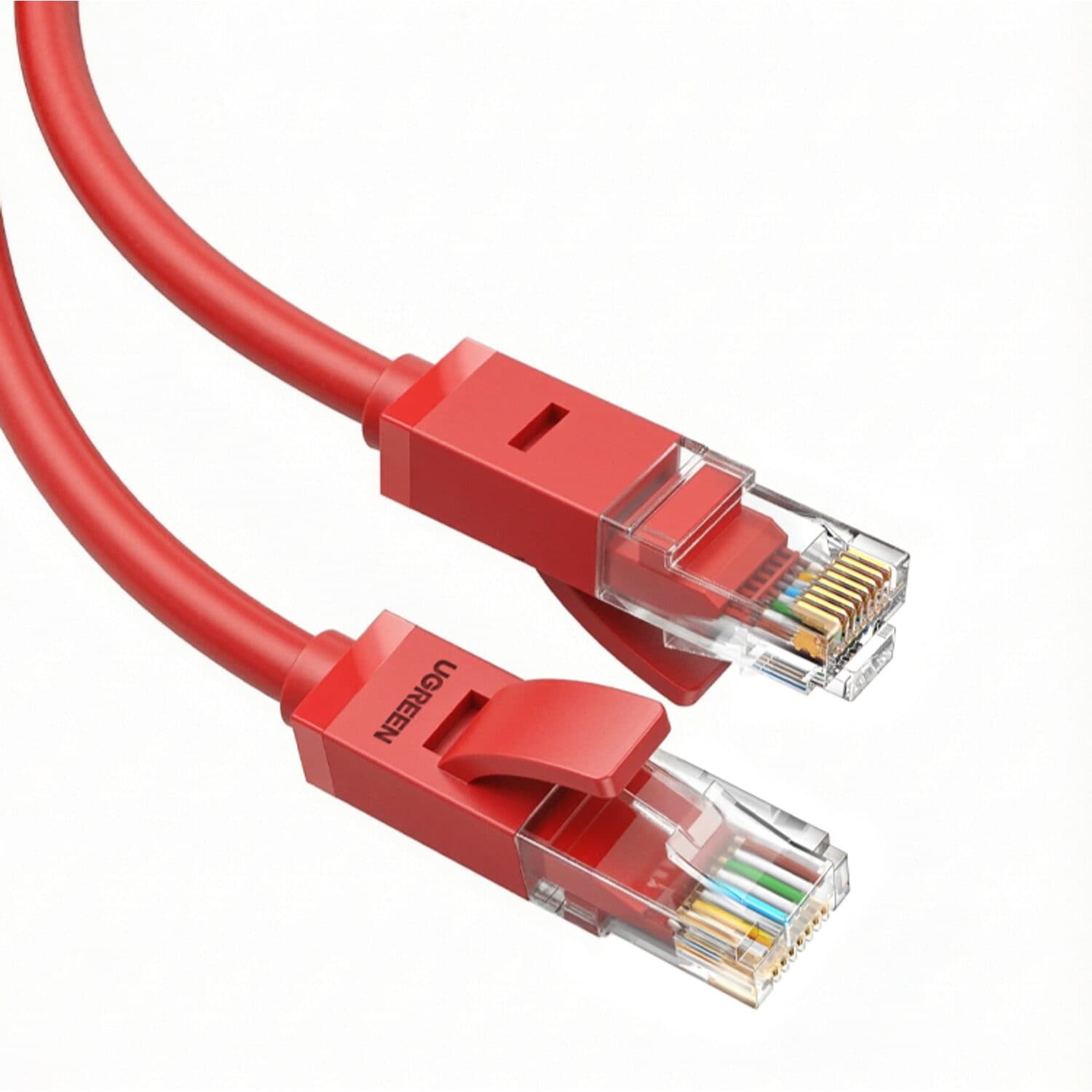
| UGREEN Cat6 Network Cable 2m | 2 Year supplier warranty, handled through our suppliers |
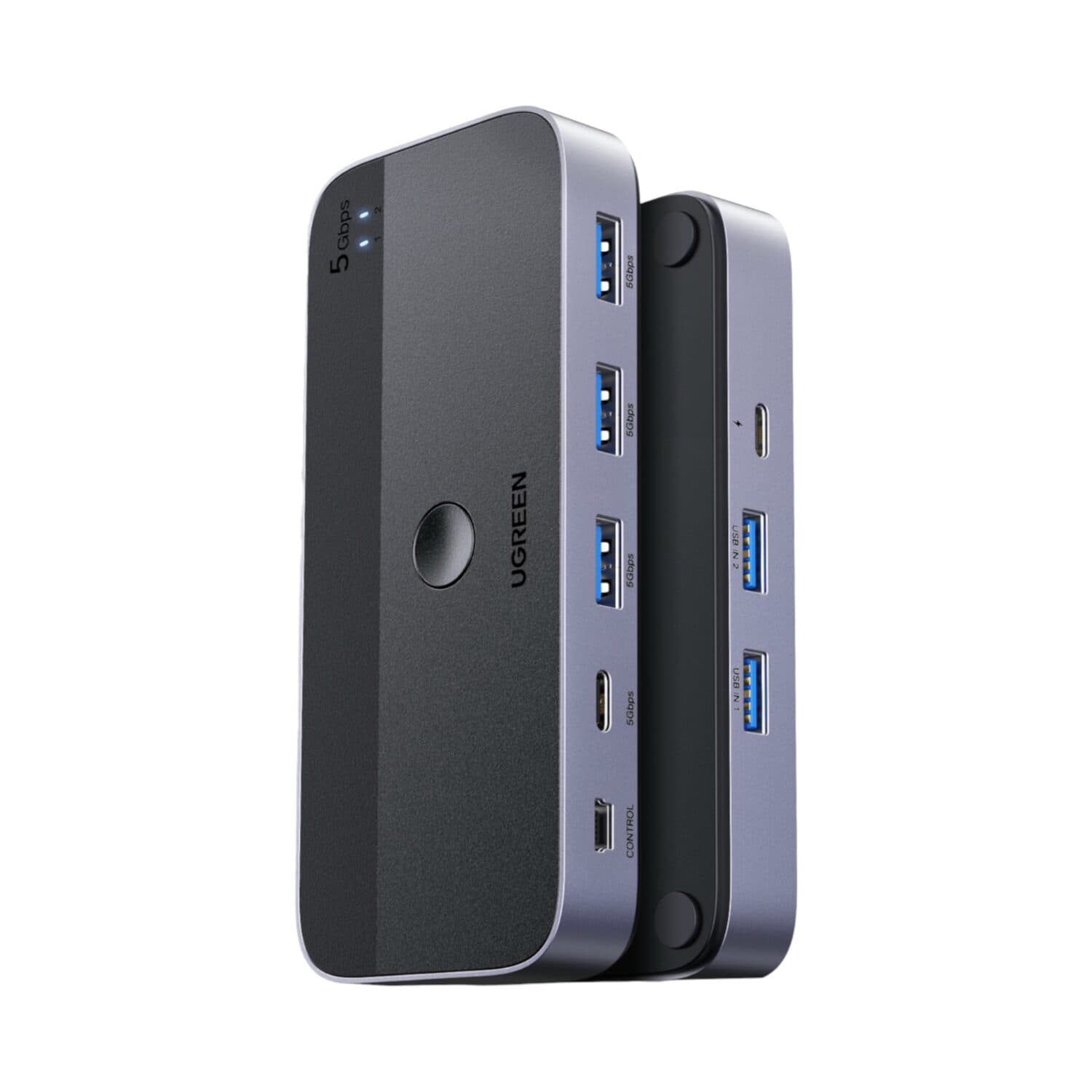
| UGREEN USB 3.0 Sharing Switch (2 PCs, 4 Devices) | 2 Year supplier warranty, handled through our suppliers |
| Gizzu 65W 2-Port GaN Charger |
Adapters carry the signal one way, as their names show: a DisplayPort to HDMI adapter will not work from HDMI to DisplayPort. VGA carries video only, so sound needs its own connection. Check whether a converter has an audio input before you buy.
Only if that port supports video output (DisplayPort Alt Mode or Thunderbolt). Check your laptop's specifications for a DisplayPort or Thunderbolt mark next to the port. If it does, a USB-C to HDMI adapter or a USB-C to DisplayPort cable will work.
We sell Cat6 cables in several lengths, supporting Gigabit Ethernet speeds. For very long runs, test the link before you fix the cable in place.
| 1 Year supplier warranty, handled through our suppliers |
| UGREEN HDMI 4K Cable 1m – Black | 2 Year supplier warranty, handled through our suppliers |
|---|
| UGREEN HDMI 2.1 Cable 2m – 8K 60Hz, 4K 120Hz – Black | 2 Year supplier warranty, handled through our suppliers |
|---|
| UGREEN USB-C to DisplayPort 1.4 Cable 1m – 8K | 2 Year supplier warranty, handled through our suppliers |
|---|
| Your device has | Your screen has | You need | Good to know |
|---|---|---|---|
| USB-C port | DisplayPort |
| One way only: USB-C to DisplayPort. The port must support DisplayPort Alt Mode (Thunderbolt 3 and 4 ports do). |
| HDMI | HDMI |
| Check the HDMI version against your screen and what you want to run, such as 4K at 60Hz or higher refresh rates. |
| Micro HDMI (cameras, tablets) | HDMI |
| For devices with a Micro HDMI port. |
| DisplayPort | DisplayPort | Check the DisplayPort version against the resolution and refresh rate you want. | |
| VGA | VGA | VGA carries video only, so audio needs its own cable. |
Not sure which ports your device has? Check its manual or specifications, or contact us and we will help.
| Distance | Typical run | You need | Good to know |
|---|---|---|---|
| About 1 m | Router or switch to a device on the same desk | ||
| About 2 m | Router, modem or switch to a nearby computer, TV or console | ||
| About 10 m | Router or wall point across a room |
| |
| About 20 m | A router in the lounge to a desk in another room | Flat cables slip under doors and along skirting more easily than round ones. | |
| About 50 m | A detached office, a garage or another floor | For very long runs, test the link before you fix the cable in place. |